
Document camera EPSON ELPDC30 (4K, 13 MP, 10x optical zoom, Wi-Fi, A3 capture area)


Document camera EPSON ELPDC30 (4K, 13 MP, 10x optical zoom, Wi-Fi, A3 capture area)
1.119,00 €
-3% additional discount
= 1.085,43€ for one-time payment (except Diners and PayPal)
= 1.085,43€ for one-time payment (except Diners and PayPal)
 Webshop
 Ronis Čakovec - Galerija sjever
Ronis Zagreb - Velesajam
Ronis Varaždin - skladište
Ronis Zagreb - Velesajam
Estimated delivery by 18.12.2026.
We will provide a more precise confirmation of the delivery time and availability shortly after you place the order..
Availability and delivery-time information is indicative, updated at intervals and subject to change, and does not constitute a binding offer. We will confirm availability and price after receiving and processing your order. The purchase contract is concluded only when the invoice is issued.
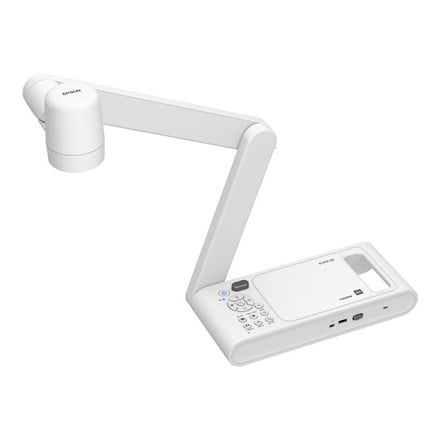
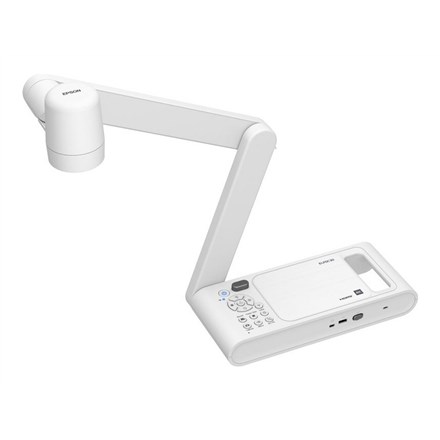
4K UHD document camera, 1/3.2" CMOS sensor of 13 MP, up to 60 fps, 10x optical and 23x digital zoom, autofocus, capture area up to A3, Wi-Fi IEEE 802.11a/b/g/n/ac and Miracast, HDMI input and output, USB, SD card slot, 8 LEDs, 2.8 kg
A desktop visualiser for showing documents, objects and microscope samples on a projector or screen. A microscope adapter and a remote control are in the box.
EAN: 8715946717708
More about the product
DETAILED DESCRIPTION
The EPSON ELPDC30 is a desktop visualiser (document camera) with a 13 MP 1/3.2" CMOS sensor, a 4K UHD image and up to 60 frames per second. Autofocus and a 10x optical zoom, plus 23x digital, give a total magnification of up to 230x, and the capture area covers A3 (297 x 420 mm).
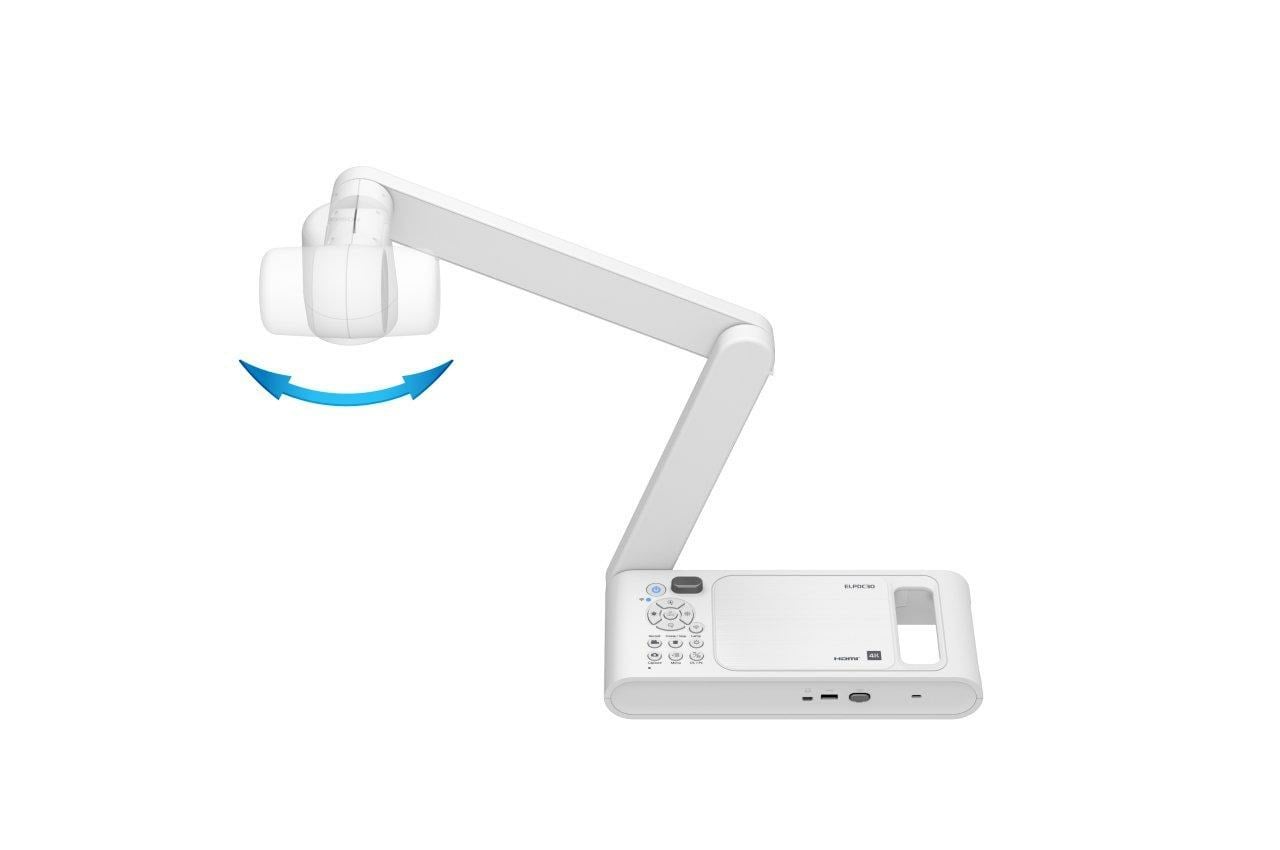
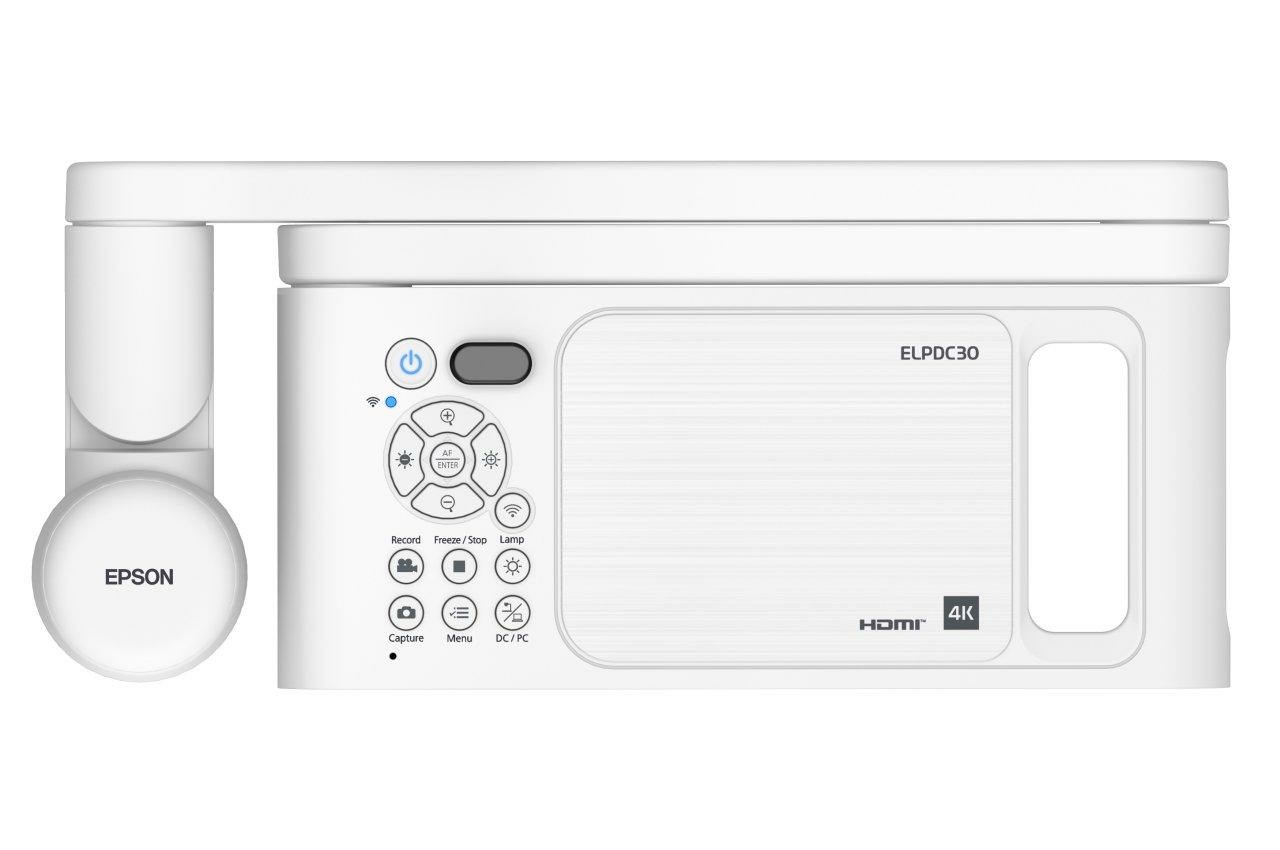
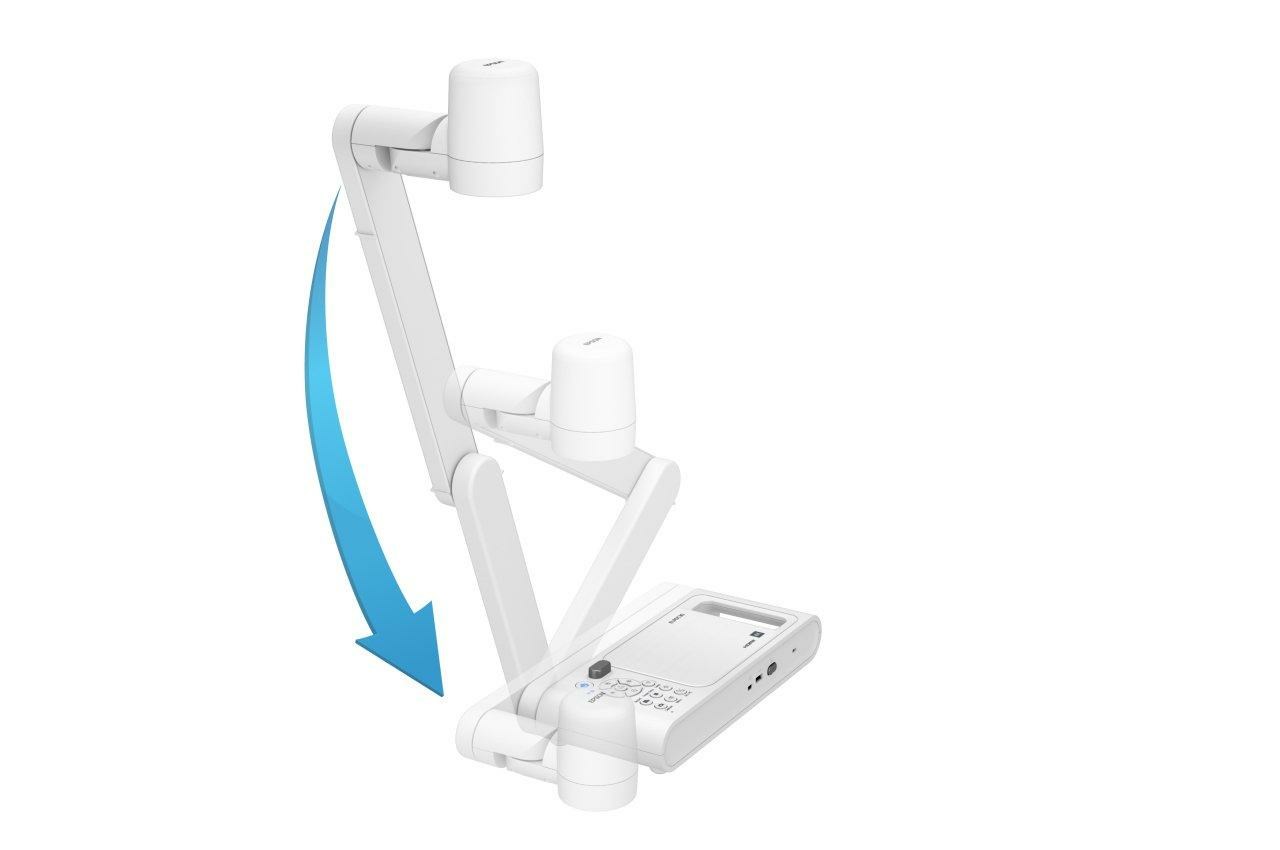
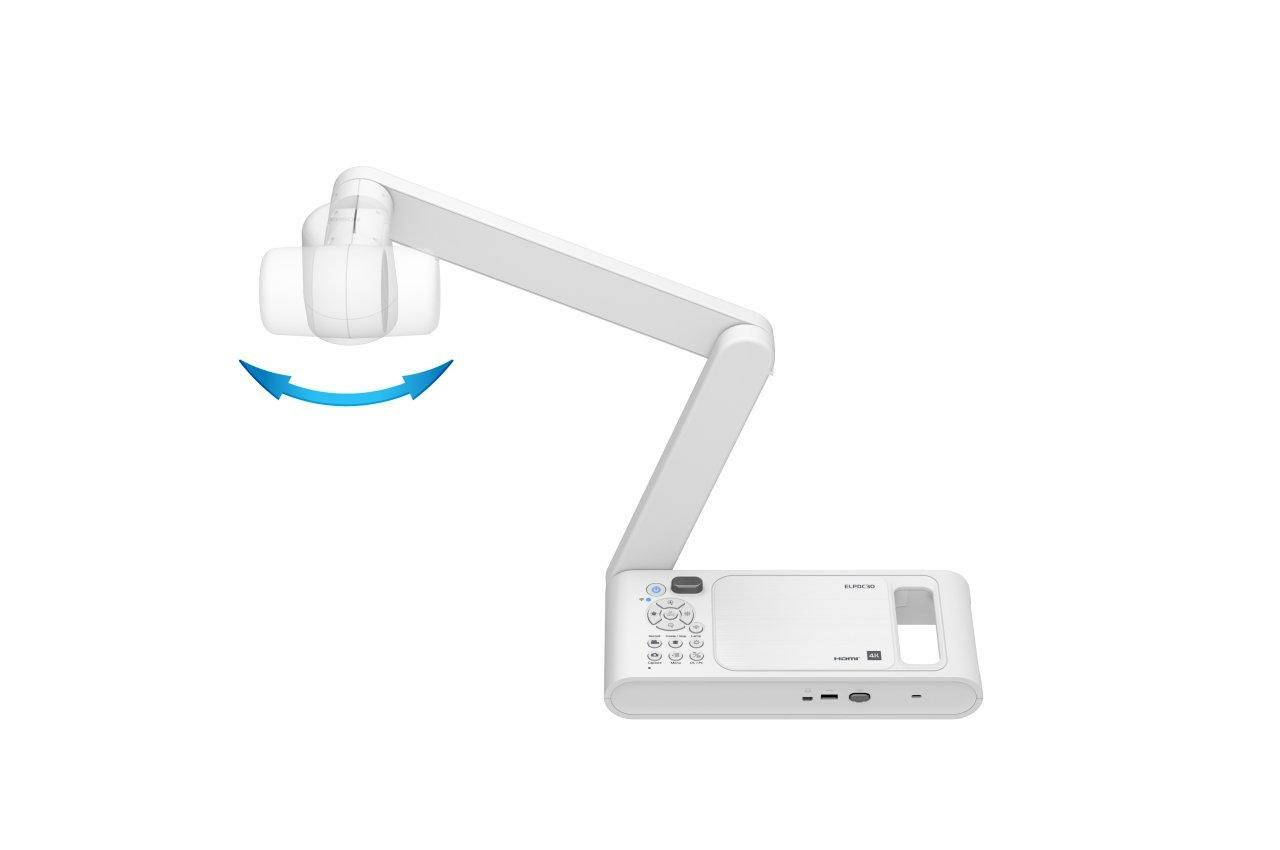
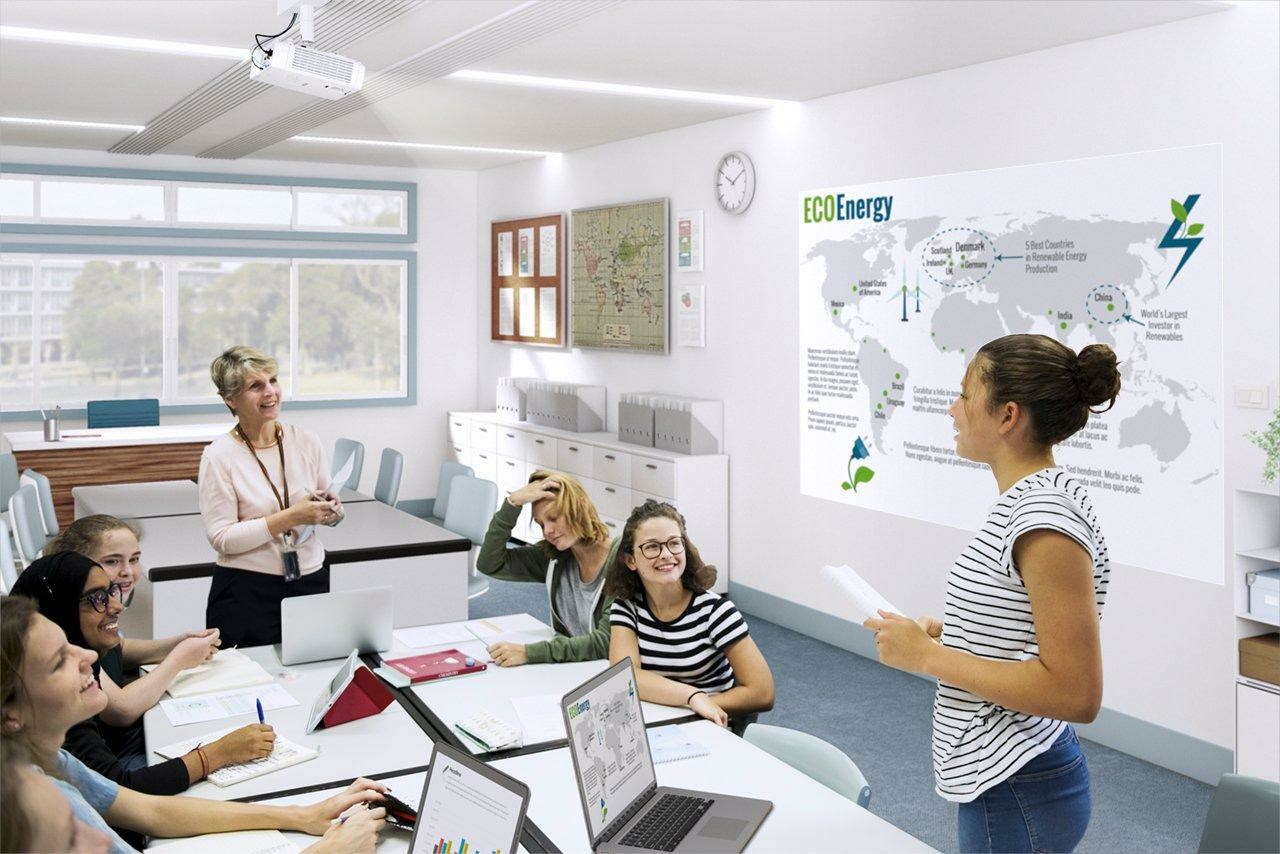
The picture is sent to a projector or screen over the HDMI output or wirelessly via Wi-Fi (IEEE 802.11a/b/g/n/ac) or Miracast. Eight white LEDs with adjustable brightness light the subject, and the rotating camera head allows documents, three-dimensional objects and microscope samples to be shown with the supplied adapter.
Image modes include flicker reduction, infinity, microscope, motion and wide-angle macro. The camera can freeze the image, show two images in split-screen, and record and play back video.
SPECIFICATIONS
Product type: document camera (desktop visualiser)
Brand: EPSON
Model: EPSON ELPDC30 (V12HB09080)
Sensor: 1/3.2" CMOS, 13 MP (4208 x 3120)
Resolution: 4K UHD, up to 60 fps
Output resolutions: 320x180 up to 4K, including Full HD, XGA, WXGA, SXGA, UXGA and 2048x1536
Zoom: 10x optical, 23x digital, 230x in total
Focus: automatic
Capture area: up to A3 (297 x 420 mm)
Lighting: 8 white LEDs, adjustable brightness
Camera head: rotating, -90° to +90°, horizontal 0° to 180°
Wireless connectivity: Wi-Fi IEEE 802.11a/b/g/n/ac, Miracast
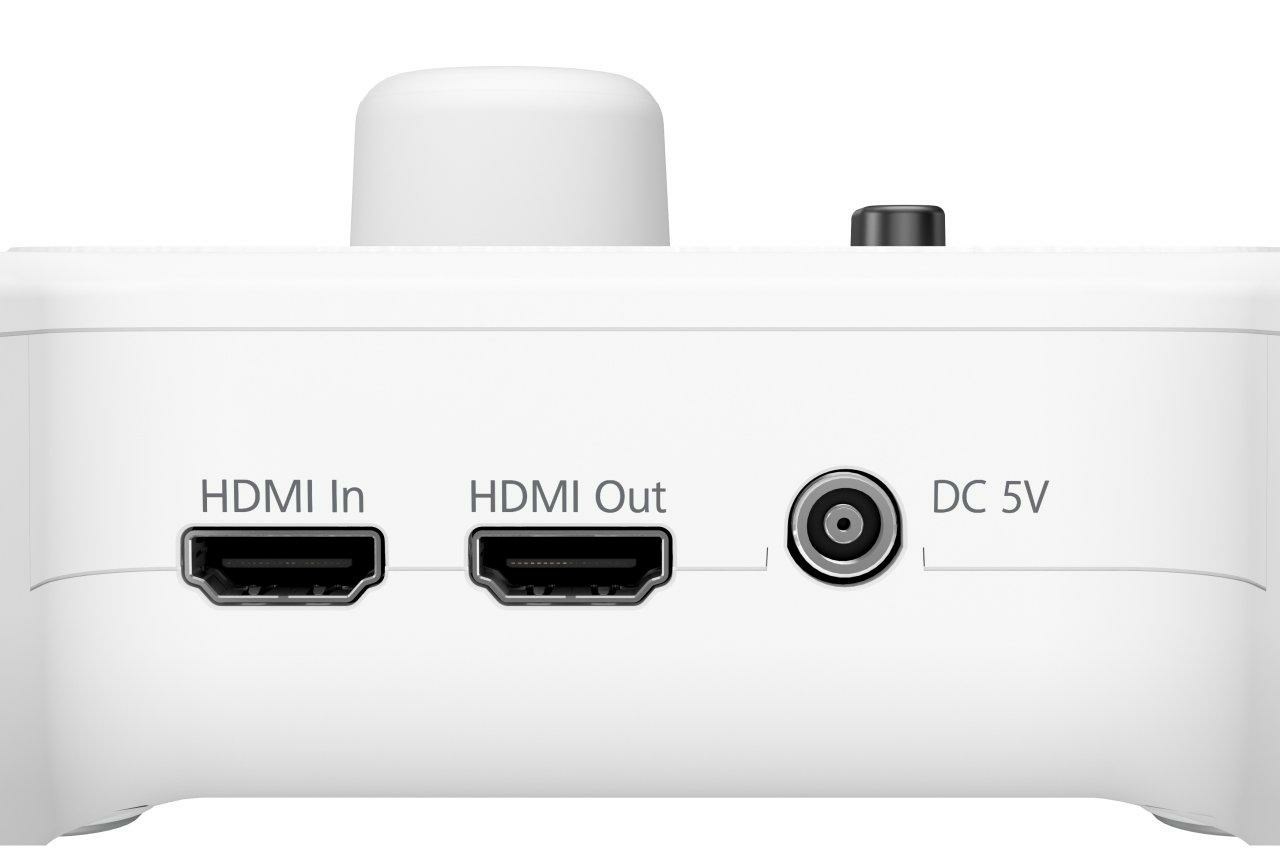
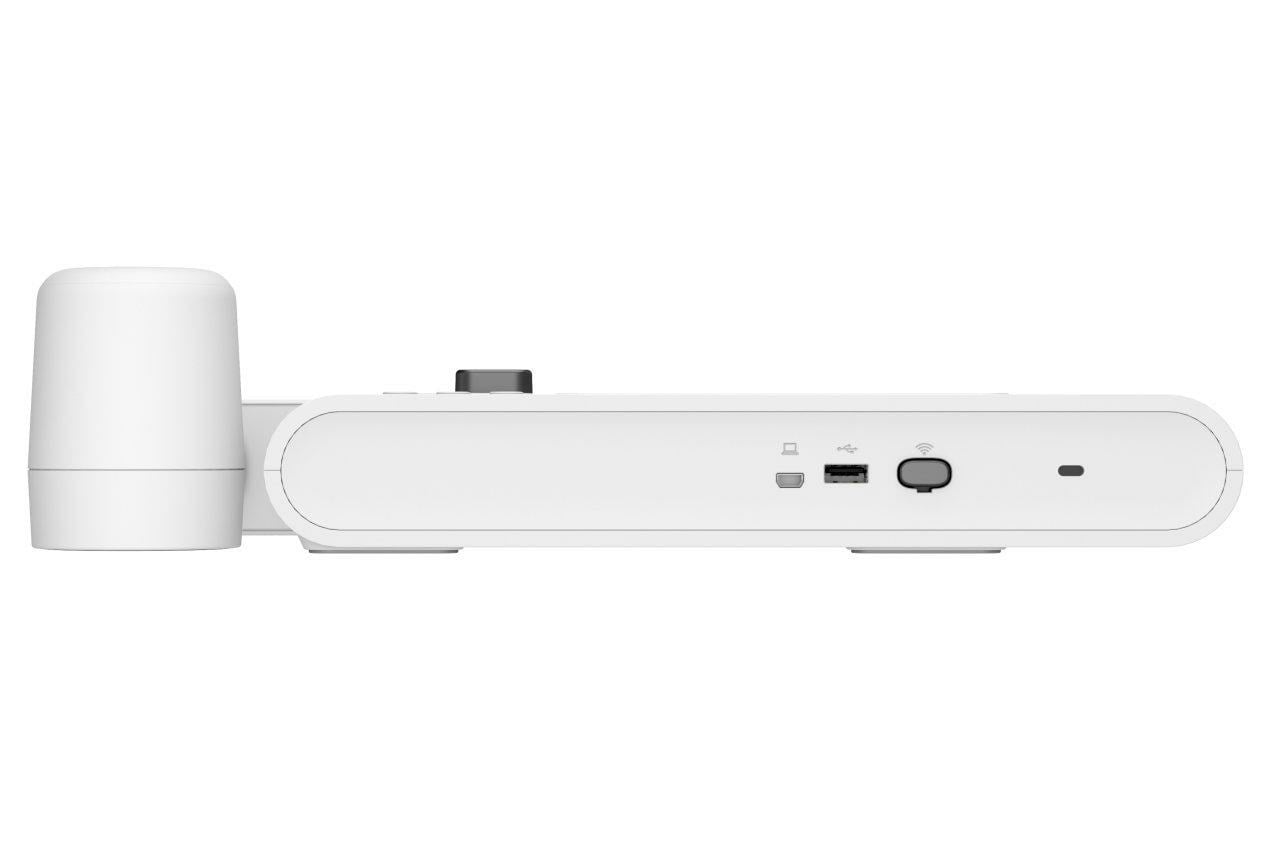
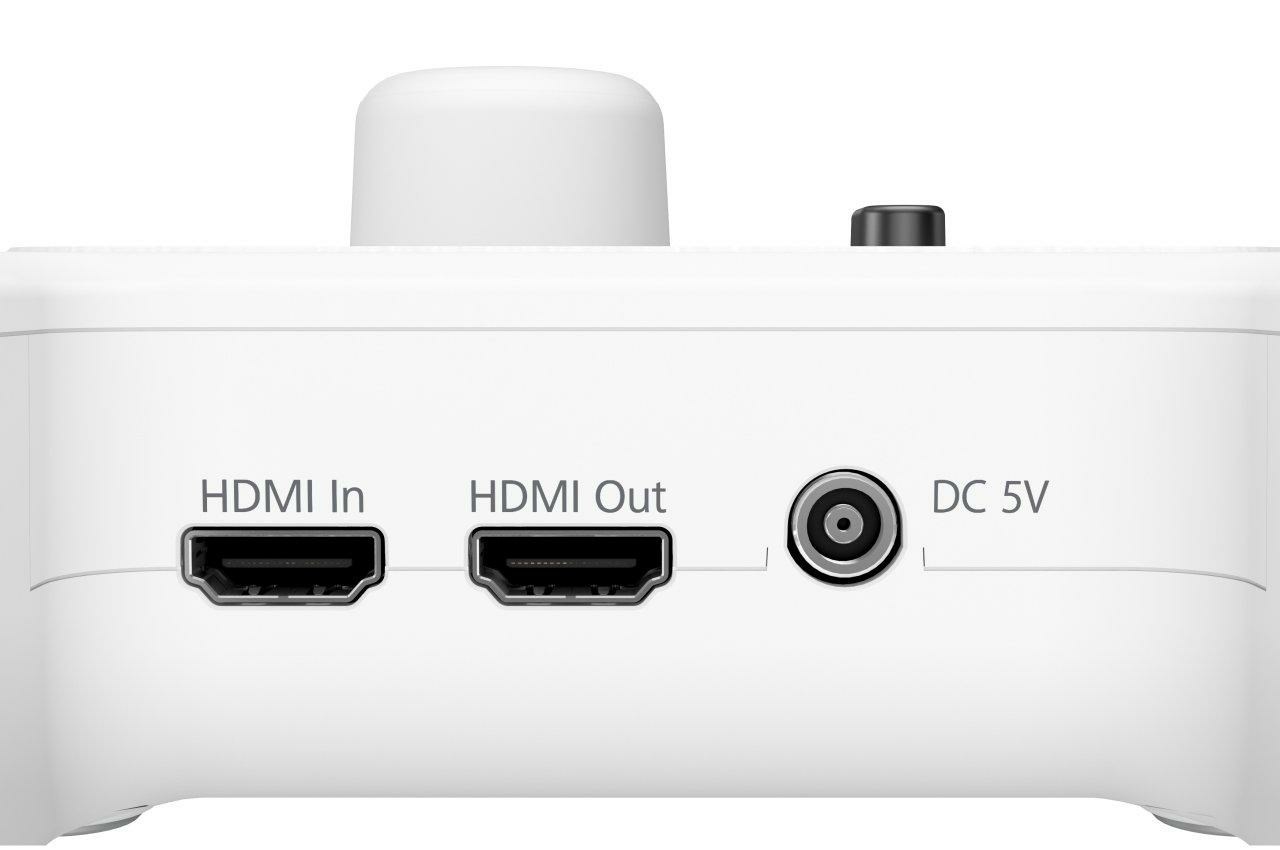
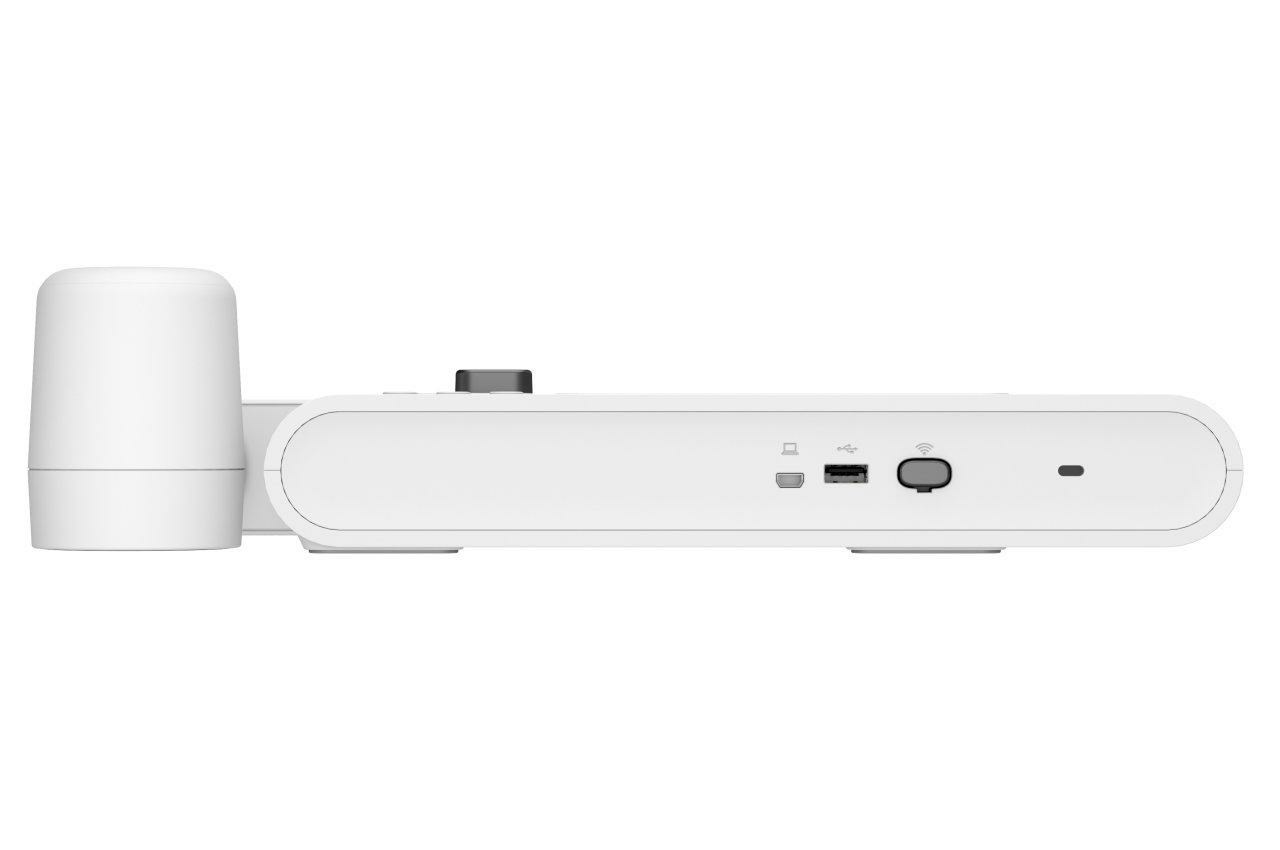
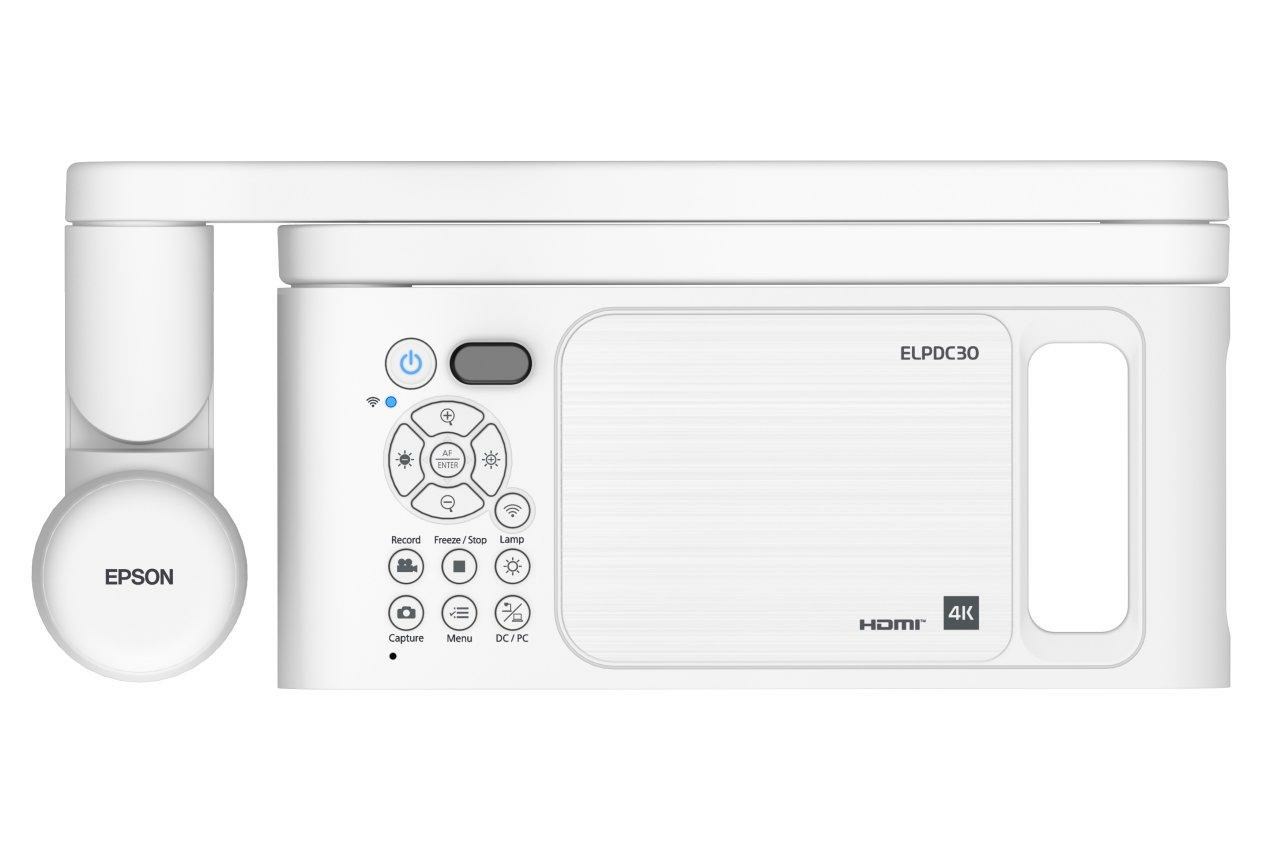
Ports: HDMI input and output, USB Type A, USB 2.0 Mini-B, SD card slot
Audio: built-in microphone
Security: Kensington lock
Software: Easy Interactive Tools, Epson Connect Tool for Document Camera
Power consumption: 9.6 W in use, 0.5 W in standby
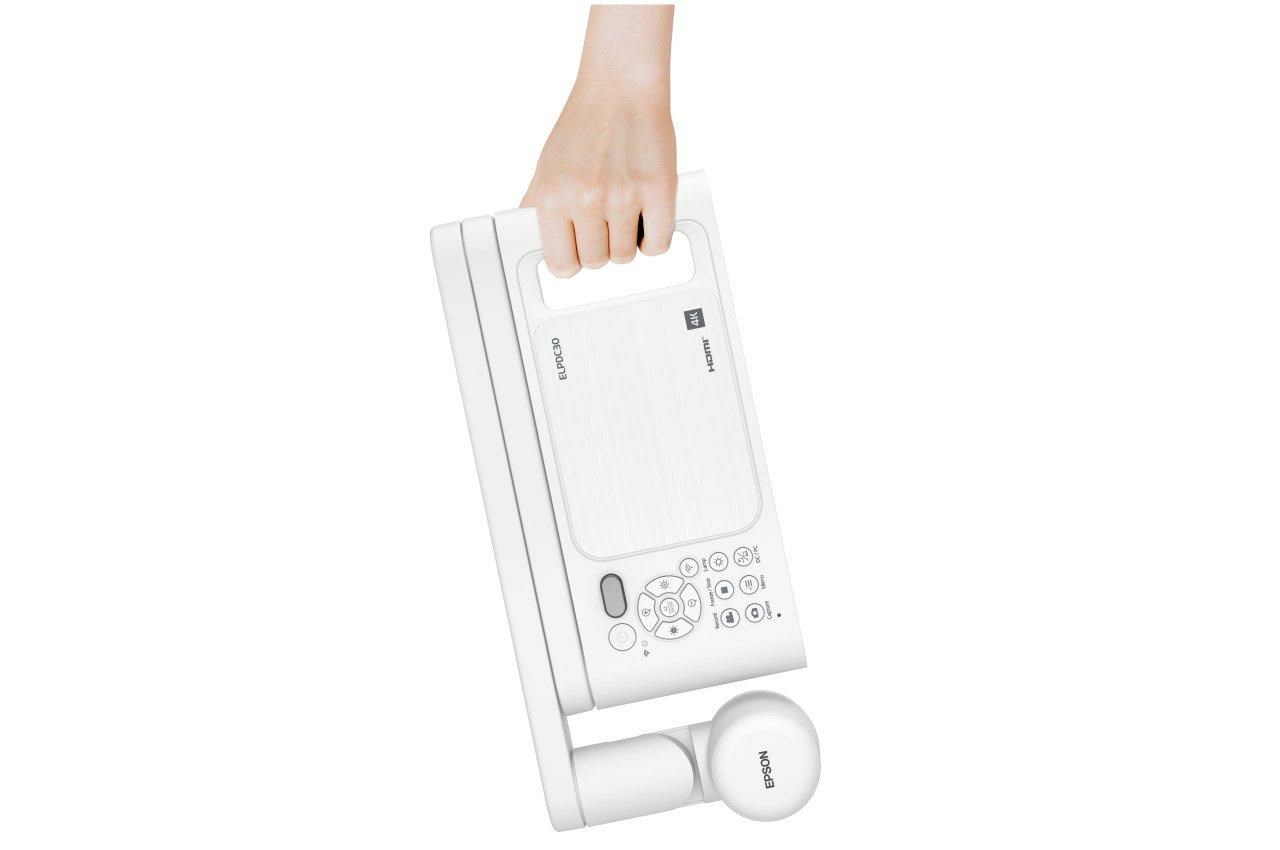
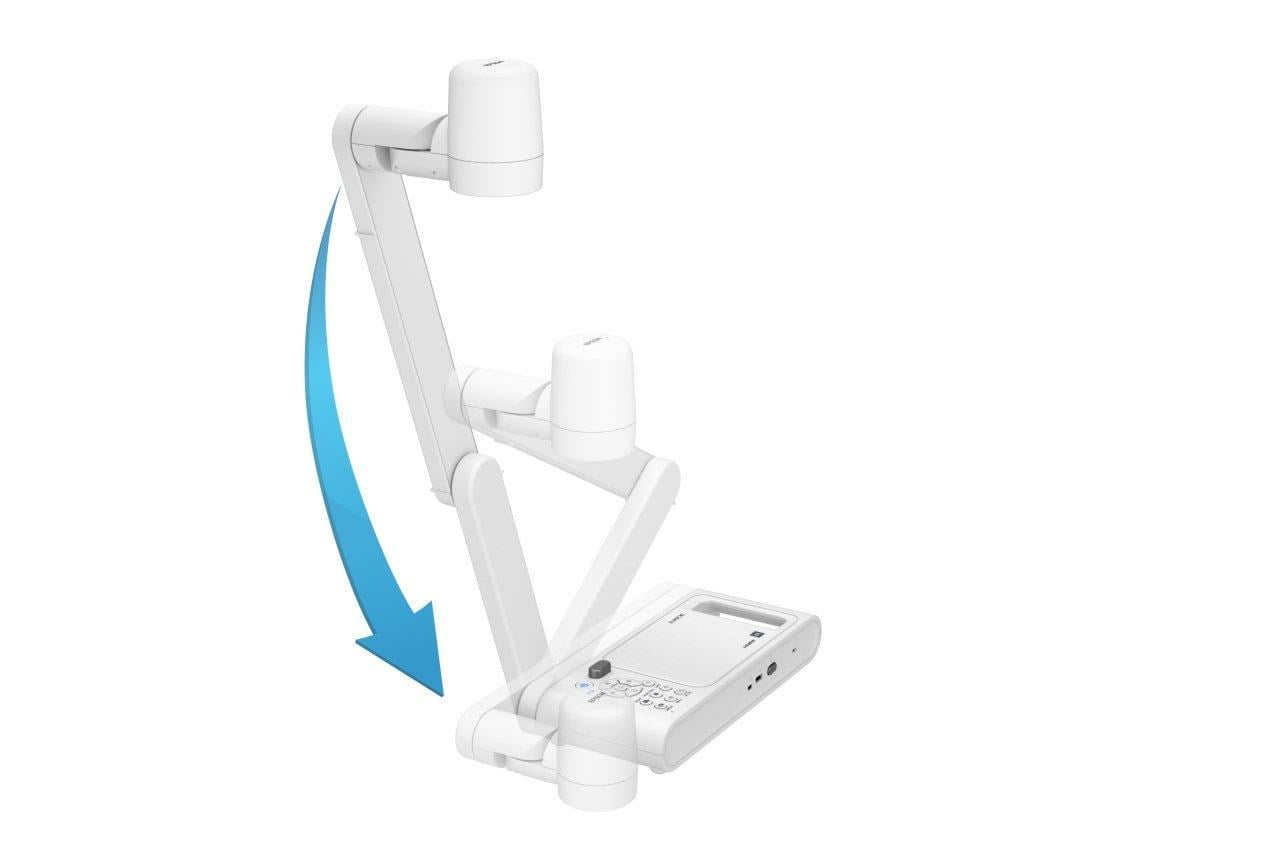
Product dimensions: 586 x 159 x 554 mm in operation, 362 x 159 x 85 mm folded (W x D x H)
Product weight: 2.8 kg
Package contents: main unit, power adapter and cable, 1.8 m HDMI cable, USB cable, remote control with batteries, microscope adapter, quick setup guide
KEY BENEFITS
- 4K UHD image from a 13 MP sensor at up to 60 frames per second
- Up to 230x zoom and autofocus to show fine detail on an object
- Wired over HDMI or wireless over Wi-Fi and Miracast, with no computer required
- Microscope adapter and remote control in the box
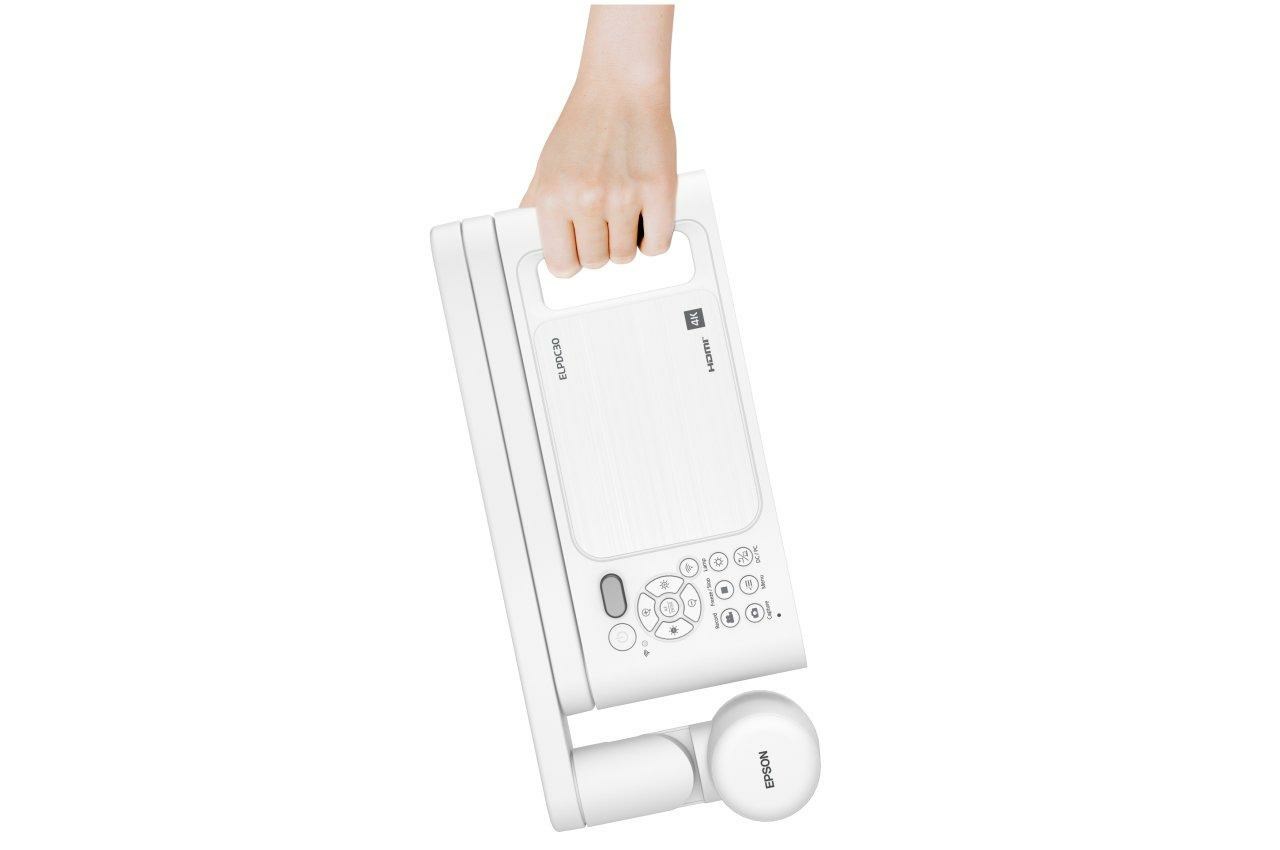
- A folding body of 362 x 159 x 85 mm weighing 2.8 kg is easy to carry between classrooms
COMPARISON
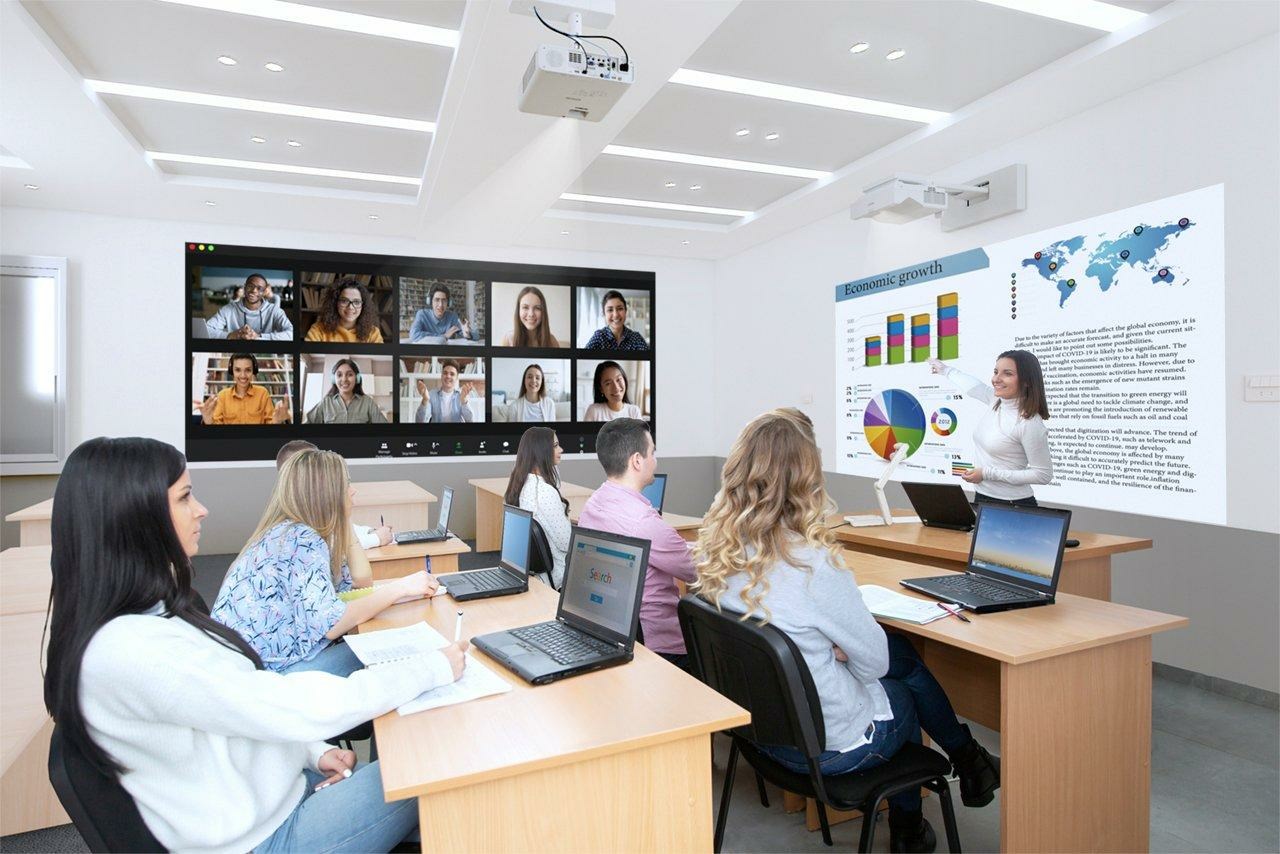
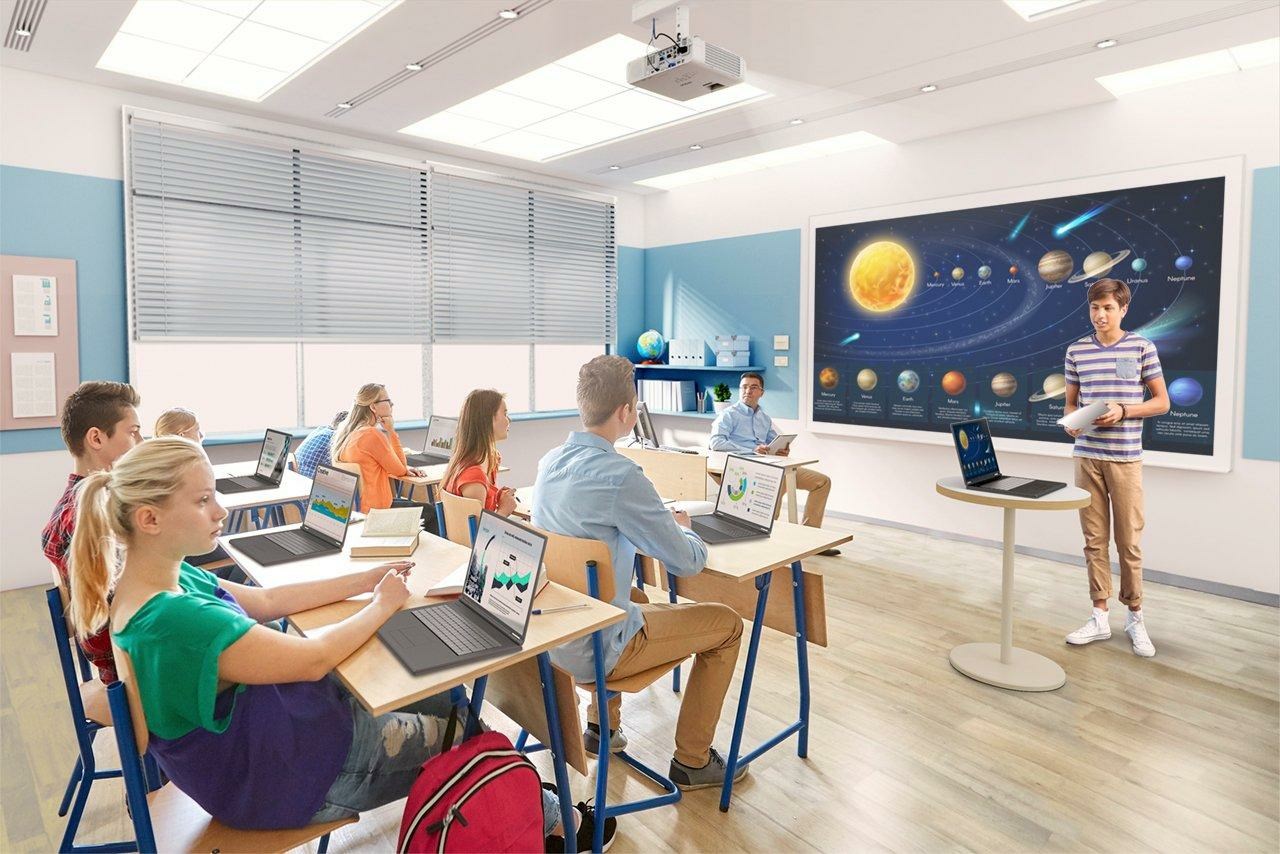
Unlike a scanner, a document camera shows a live image and can capture three-dimensional objects, while a scanner only handles flat sheets. Compared with simpler visualisers, a model with a 4K sensor, wireless connectivity and a larger zoom suits classrooms, lecture halls and meetings where content is shown to a larger group.
FAQ
What is the largest area the document camera can capture?
The capture area reaches A3, that is 297 x 420 mm.
Can the image be sent wirelessly?
Yes, the camera supports Wi-Fi IEEE 802.11a/b/g/n/ac and Miracast, and it also has an HDMI output for a wired connection.
Can it be used with a microscope?
Yes, a microscope adapter is in the box and the camera has a dedicated microscope image mode.
Which software is used with the camera?
Easy Interactive Tools and Epson Connect Tool for Document Camera.
What is in the box?
The main unit, power adapter and cable, 1.8 m HDMI cable, USB cable, remote control with batteries, microscope adapter and quick setup guide.
View similar items
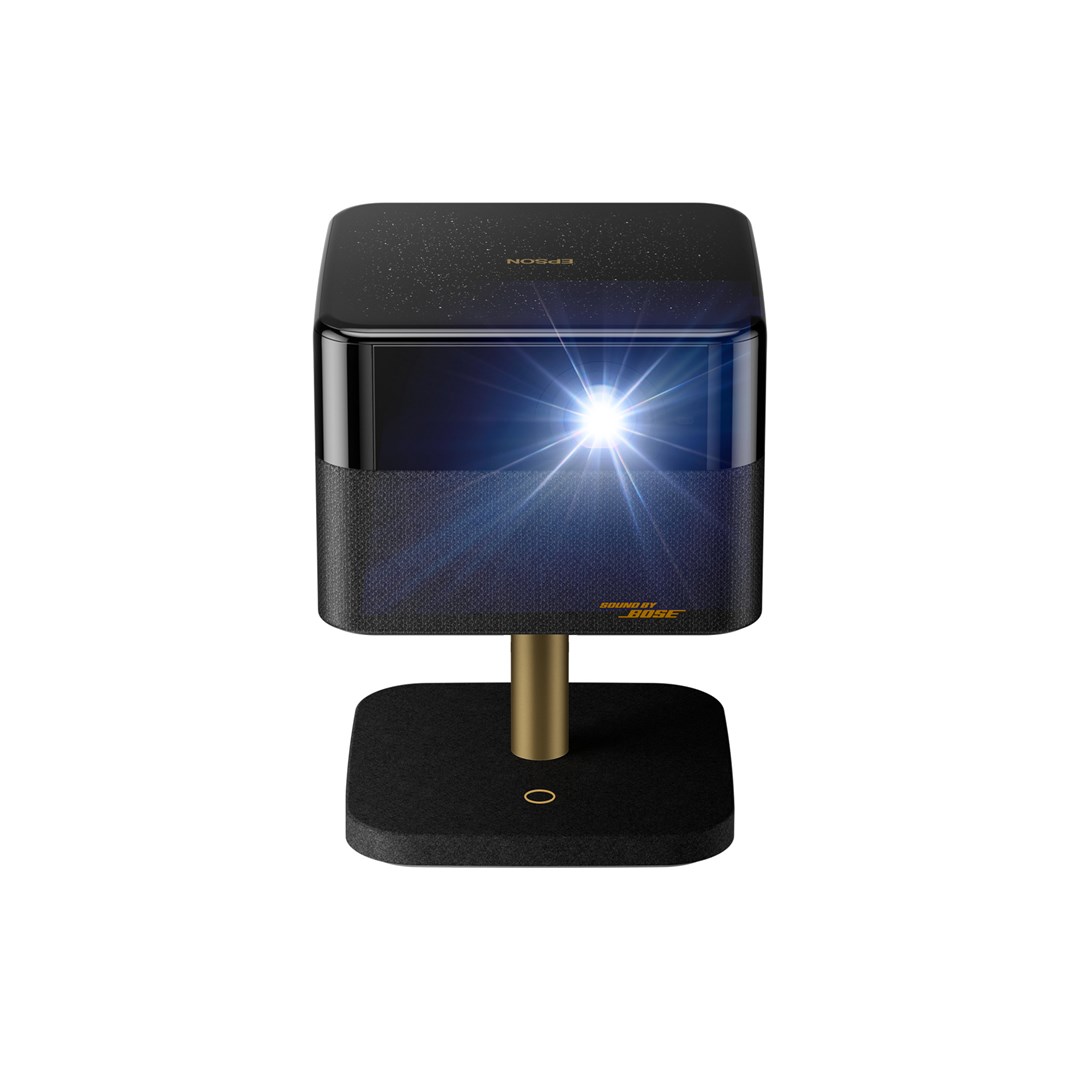
Projector EPSON Lifestudio Flex Plus EF-73 (4K PRO-UHD, 1000 lumens, 3LCD RGB LED, Google TV, Sound by Bose, black colour)
Webshop
Portable smart projector, 4K PRO-UHD, 3LCD with RGB LED light source, 1000 lumens, image up to 150 inches, Google TV, Sound by Bose stereo and Dolby Audio, 180° stand with wireless phone charging The EPSON Lifestudio Flex Plus EF-73 combines a big screen,...
1.959,00 €
Estimated delivery by 18.12.2026.
Availability and delivery-time information is indicative, updated at intervals and subject to change, and does not constitute a binding offer. We will confirm availability and price after receiving and processing your order. The purchase contract is concluded only when the invoice is issued.
-3% additional discount
= 1.900,23€ for one-time payment (except Diners and PayPal)
= 1.900,23€ for one-time payment (except Diners and PayPal)