
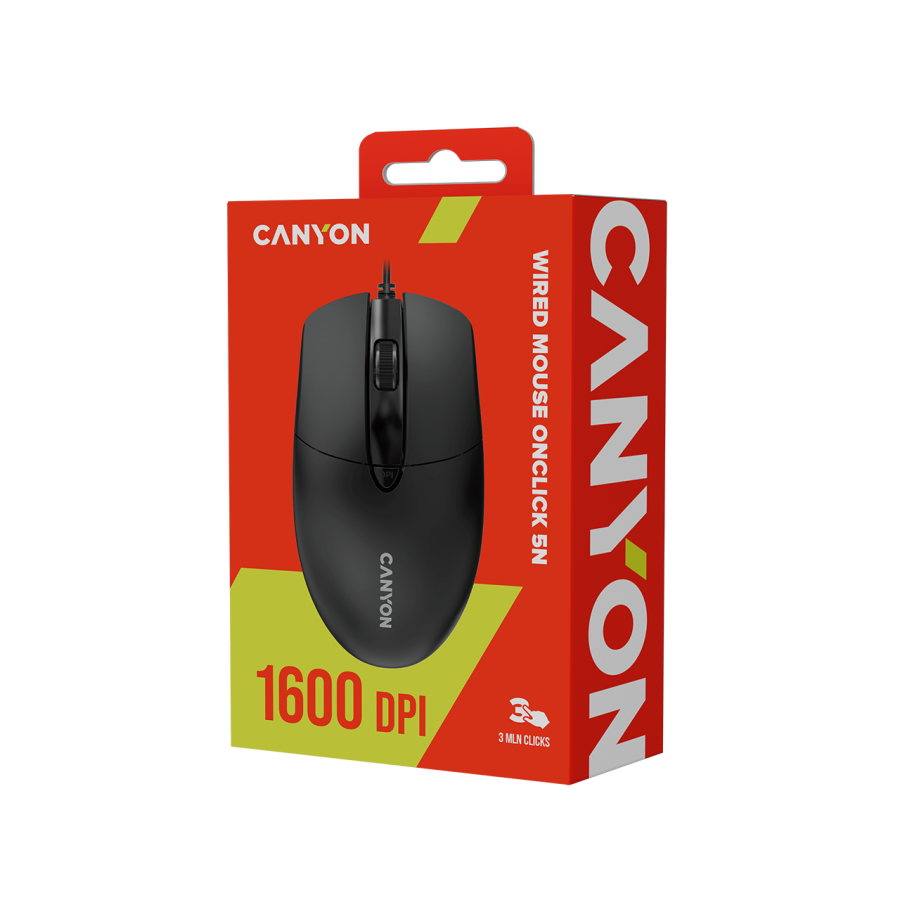
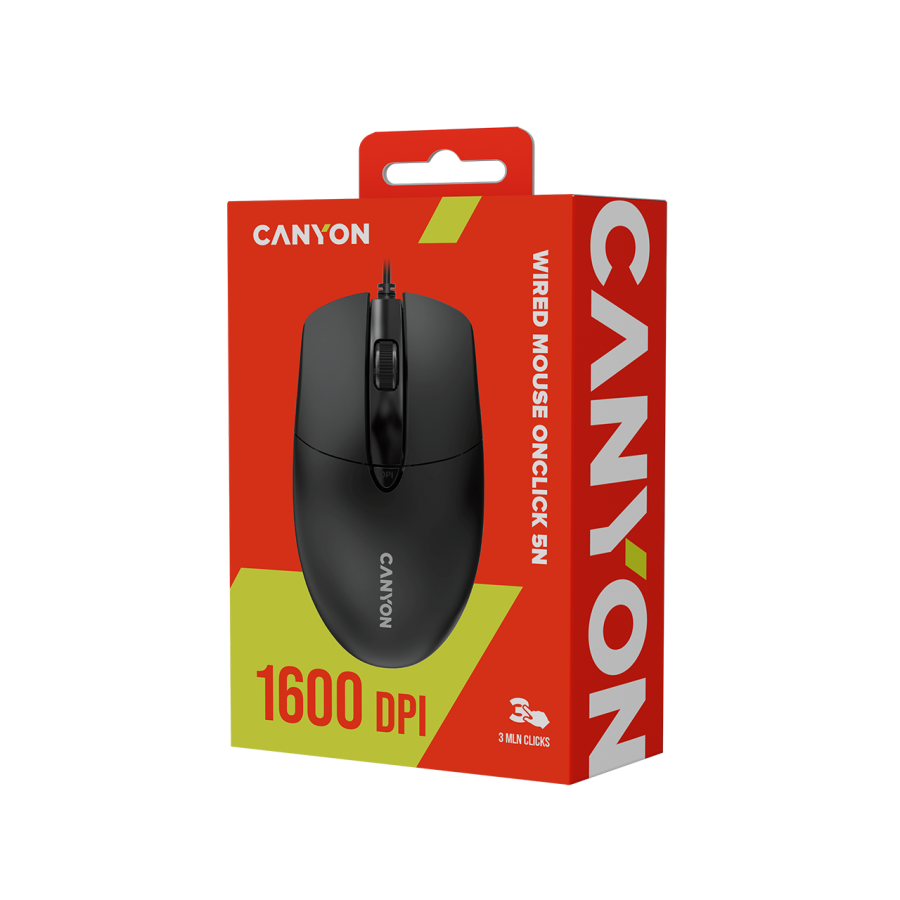
CANYON OnClick 5N CNE-CMS5N wired mouse (1600 DPI, black)
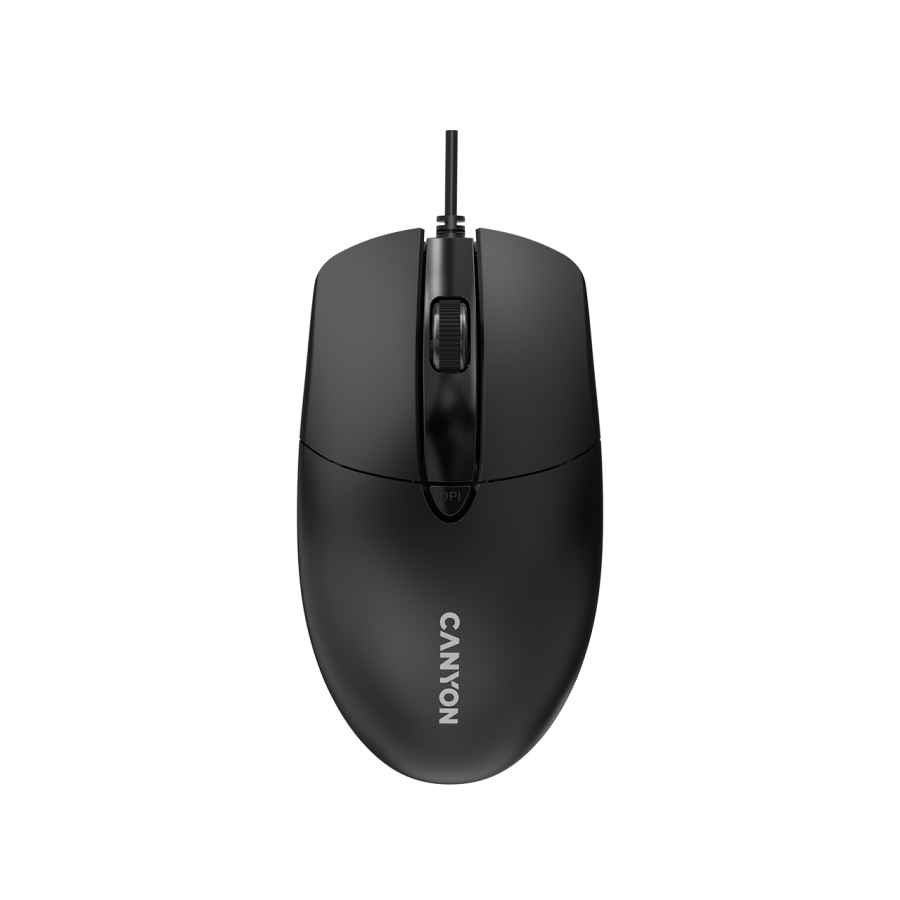
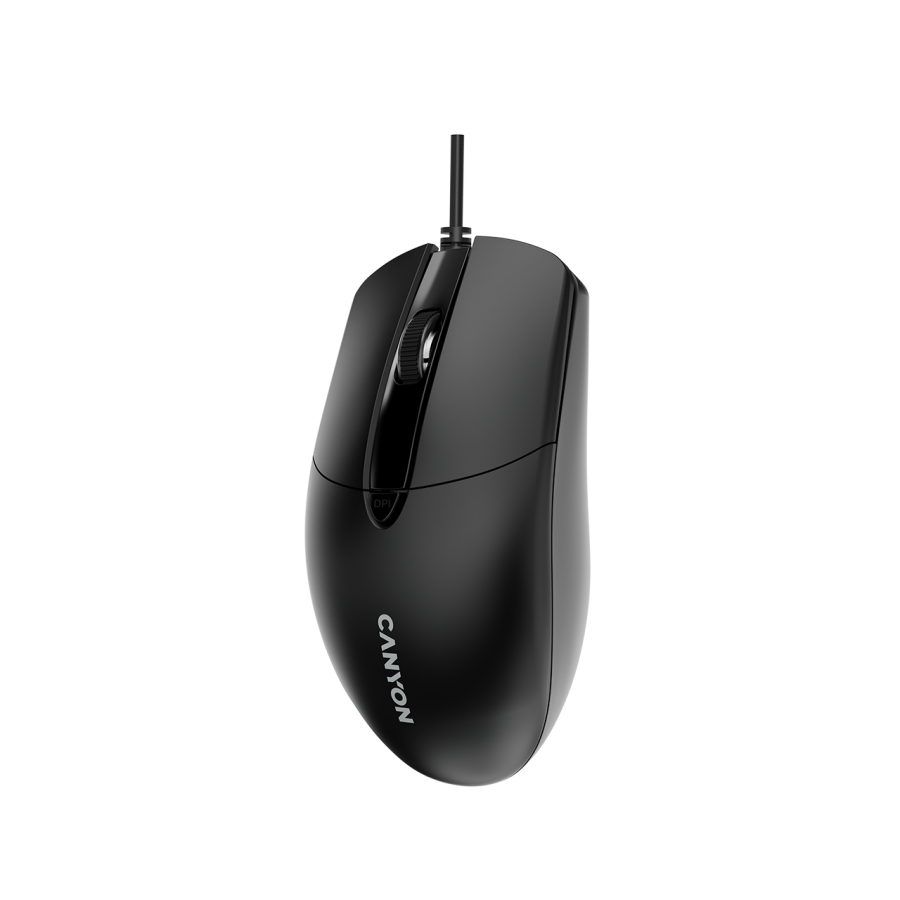
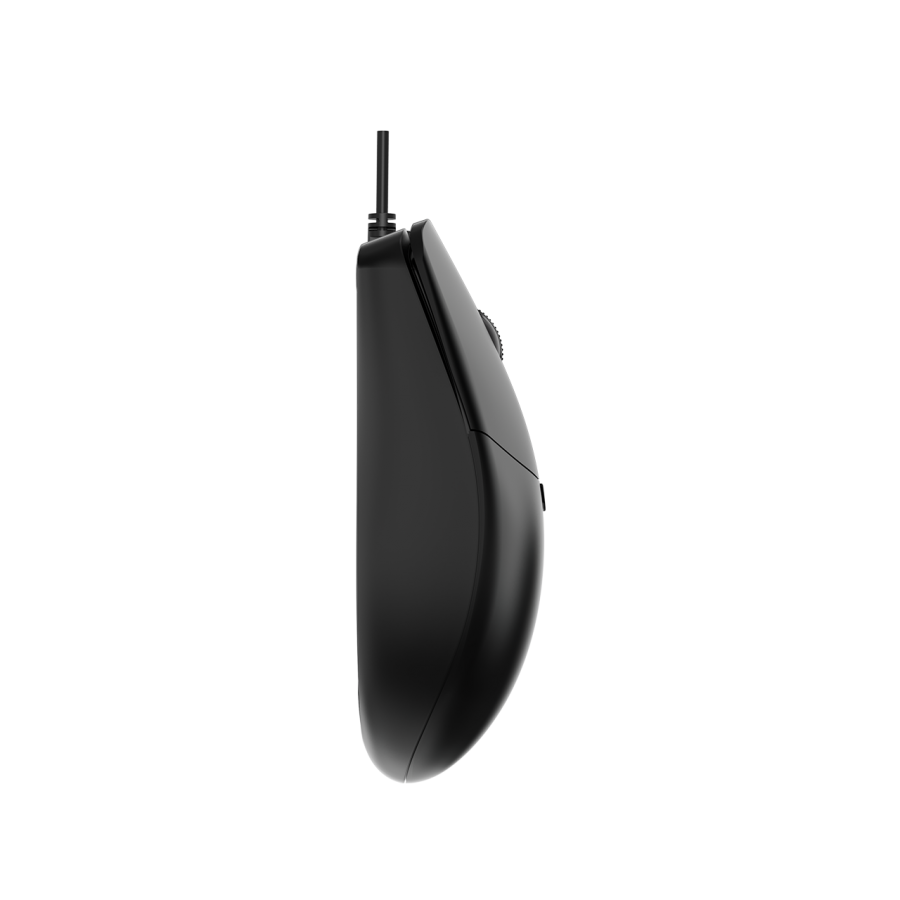
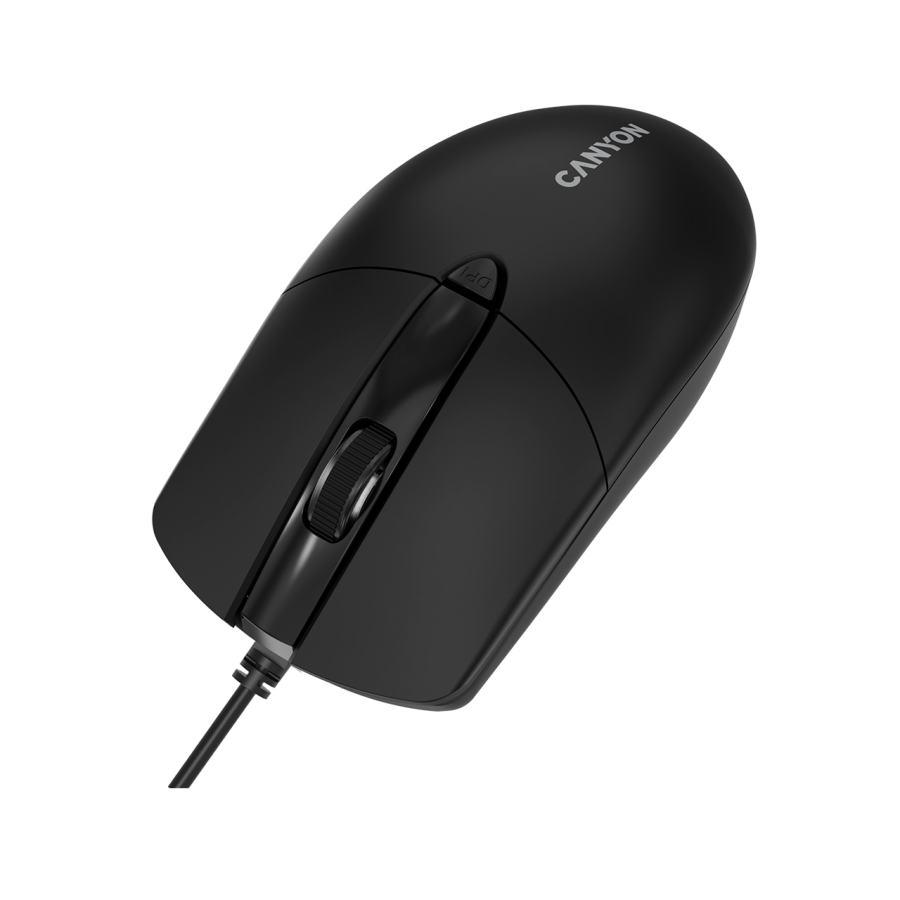
CANYON OnClick 5N CNE-CMS5N wired mouse (1600 DPI, black)
6,80 €
-3% additional discount
= 6,60€ for one-time payment (except Diners and PayPal)
= 6,60€ for one-time payment (except Diners and PayPal)
 Webshop
 Ronis Čakovec - Galerija sjever
Ronis Zagreb - Velesajam
Ronis Varaždin - skladište
Ronis Zagreb - Velesajam
Estimated delivery by 04.12.2026.
We will provide a more precise confirmation of the delivery time and availability shortly after you place the order..
Availability and delivery-time information is indicative, updated at intervals and subject to change, and does not constitute a binding offer. We will confirm availability and price after receiving and processing your order. The purchase contract is concluded only when the invoice is issued.
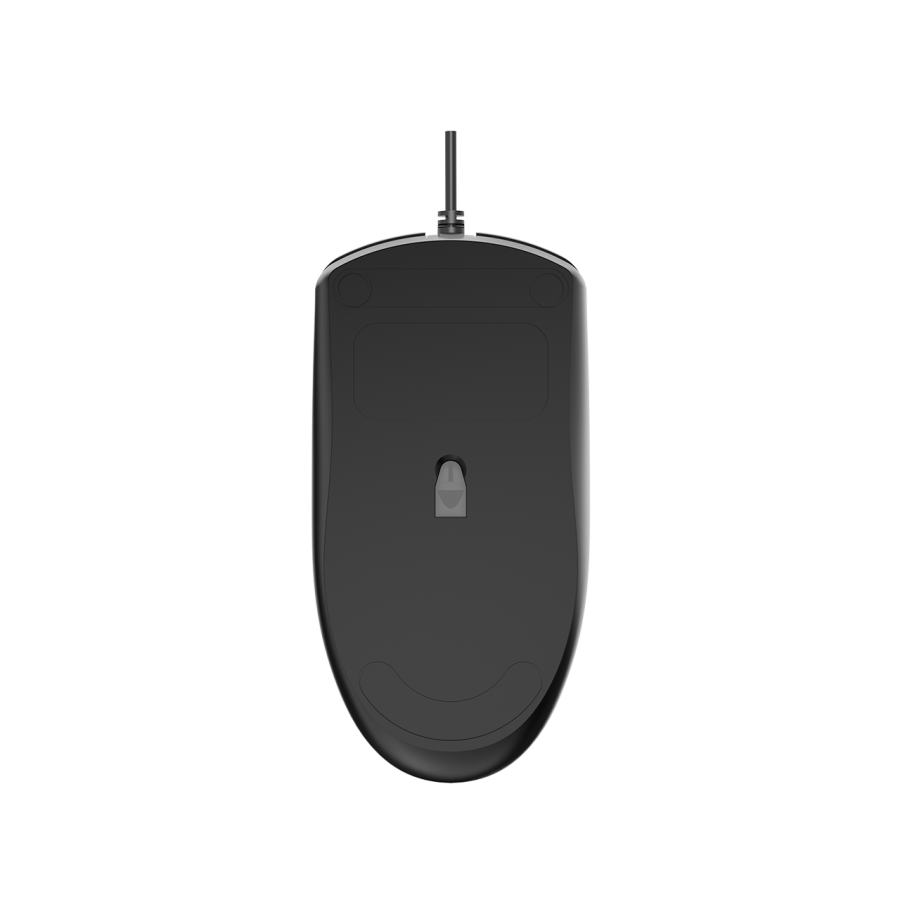
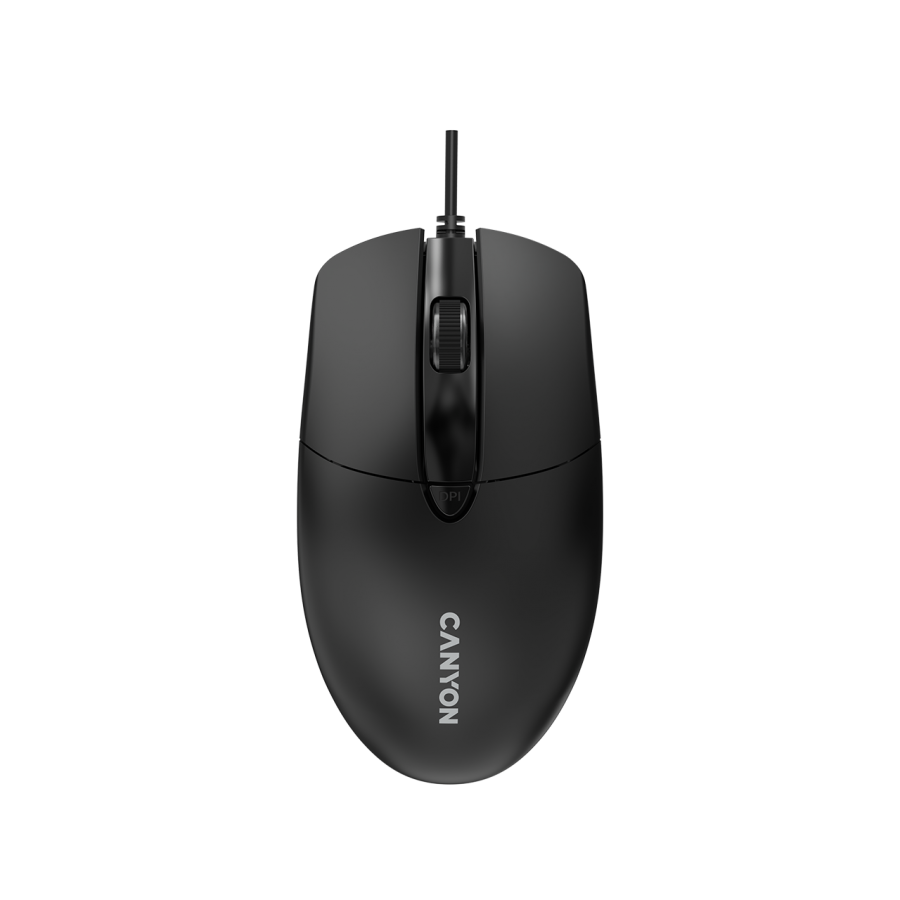
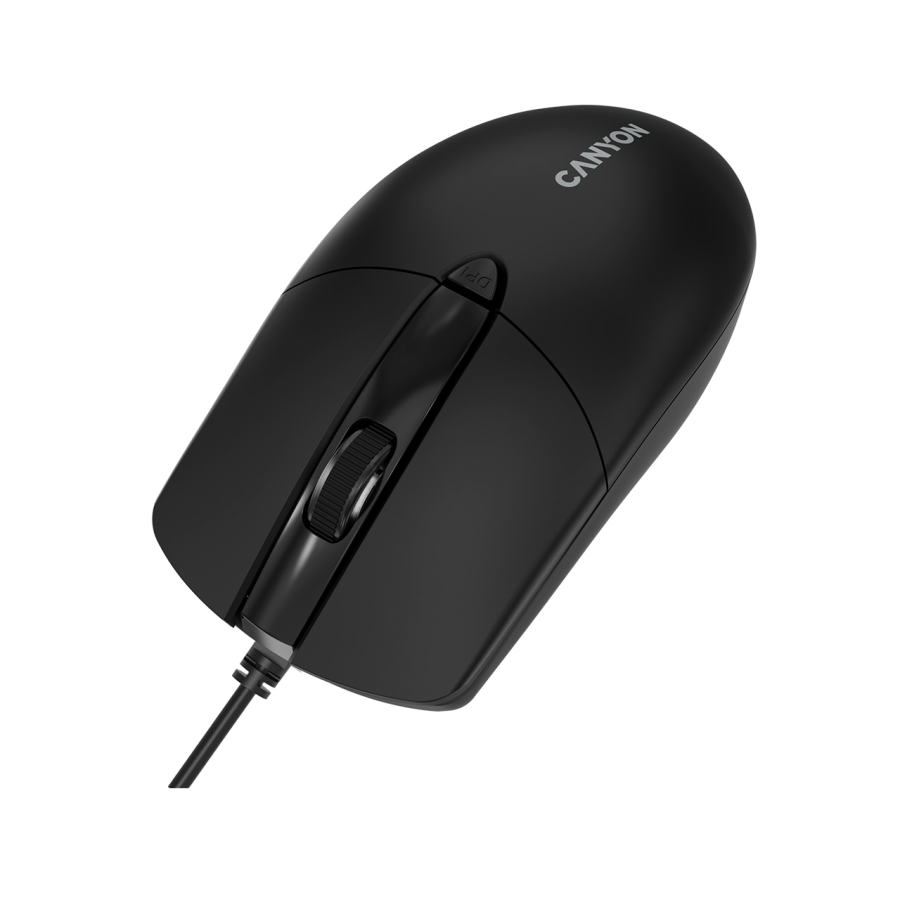
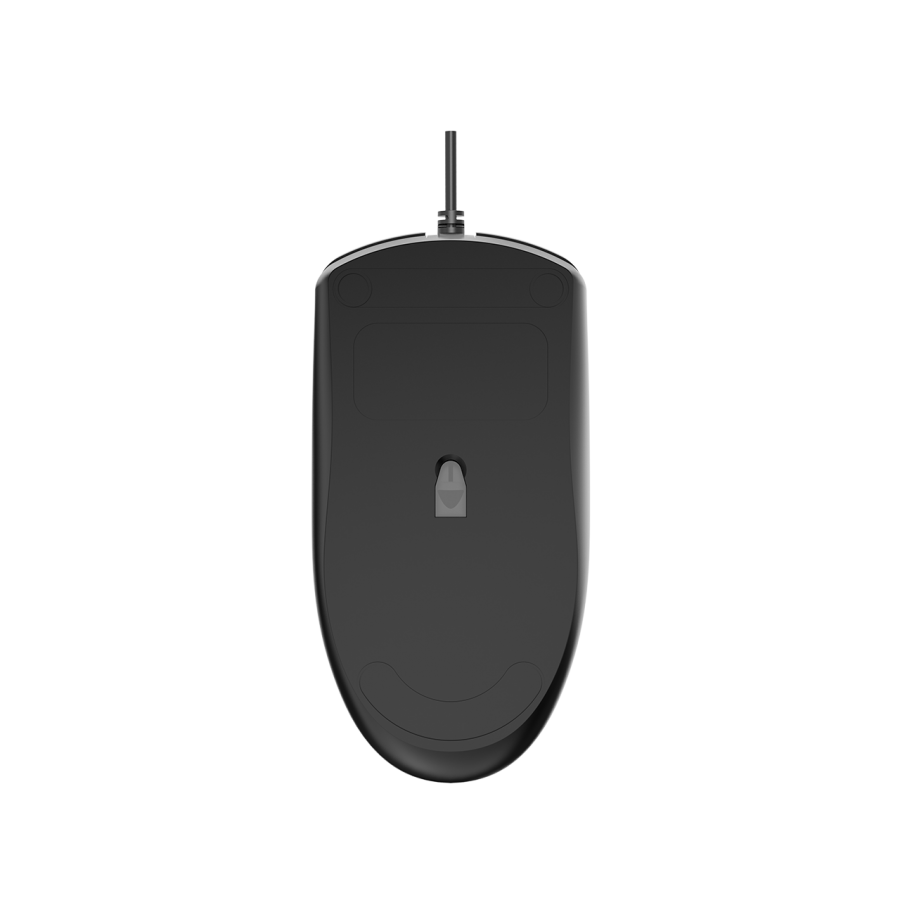
Wired optical mouse with a USB-A plug, up to 1600 DPI, four buttons, 1.5 m cable
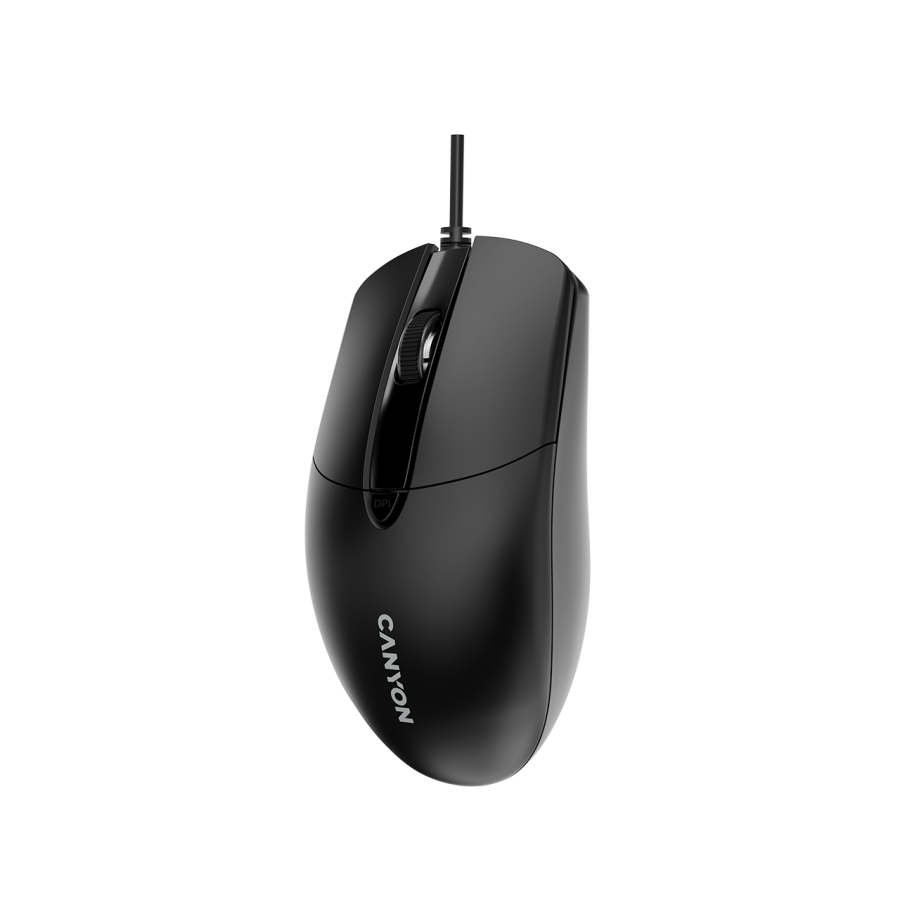
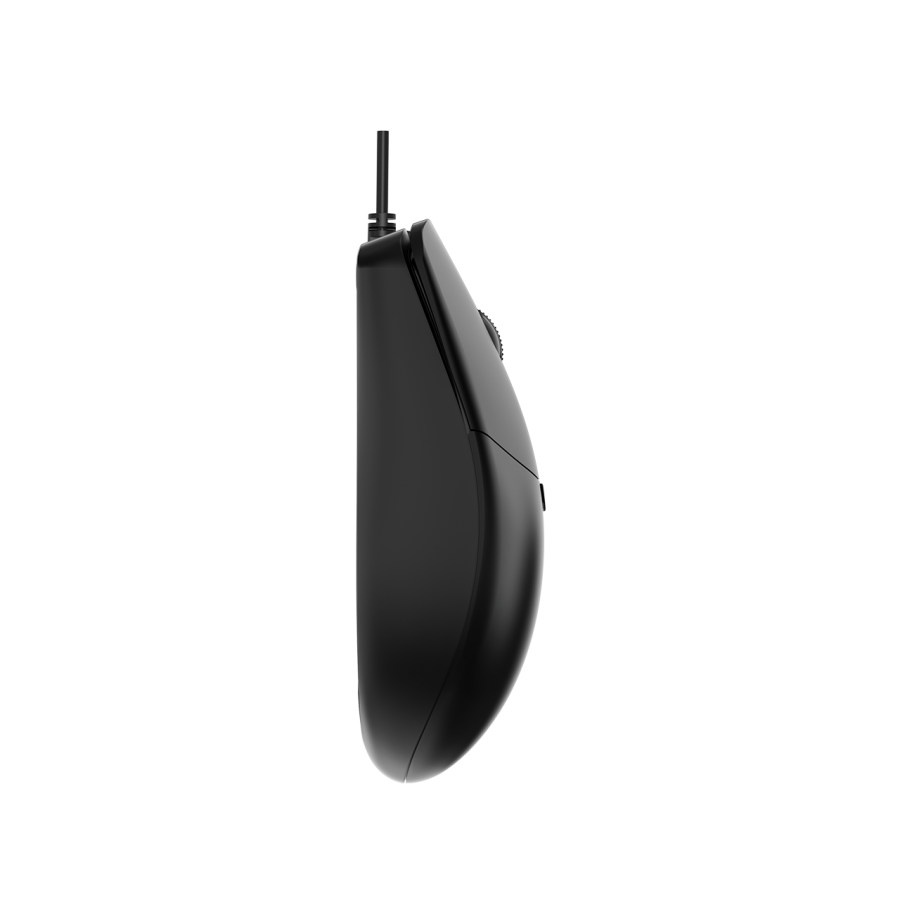
The symmetrical design suits both left- and right-handed use.
EAN: 5291485020507
More about the product
DETAILED DESCRIPTION
The CANYON OnClick 5N is a wired computer mouse. The dedicated DPI button adjusts pointer sensitivity, while the scroll wheel moves through documents and web pages.
SPECIFICATIONS
Product type: wired optical mouse
Model: CANYON OnClick 5N CNE-CMS5N
Sensitivity: up to 1600 DPI
Polling rate: 125 Hz
Number of buttons: 4
Connection: USB-A
Cable length: 1.5 m
Colour: black
Product dimensions: 118 × 66 × 37 mm
Product weight: 95 g
Packaged dimensions: 88 × 44 × 135 mm
Gross weight: 0.13 kg
Warranty: 24 mo
KEY BENEFITS
- Symmetrical body suited to either hand
- Dedicated button for quick sensitivity changes
- Wheel for easy scrolling through a page
COMPARISON
This wired mouse uses one USB-A port. Its 1.5 m cable determines how far you can place it from that port on your desk.
FAQ
How do I change the pointer sensitivity?
Use the dedicated DPI button to adjust sensitivity.
Which port does a computer need?
The mouse plugs into a USB-A port.
Which operating systems does the mouse support?
The mouse supports Windows and macOS.