
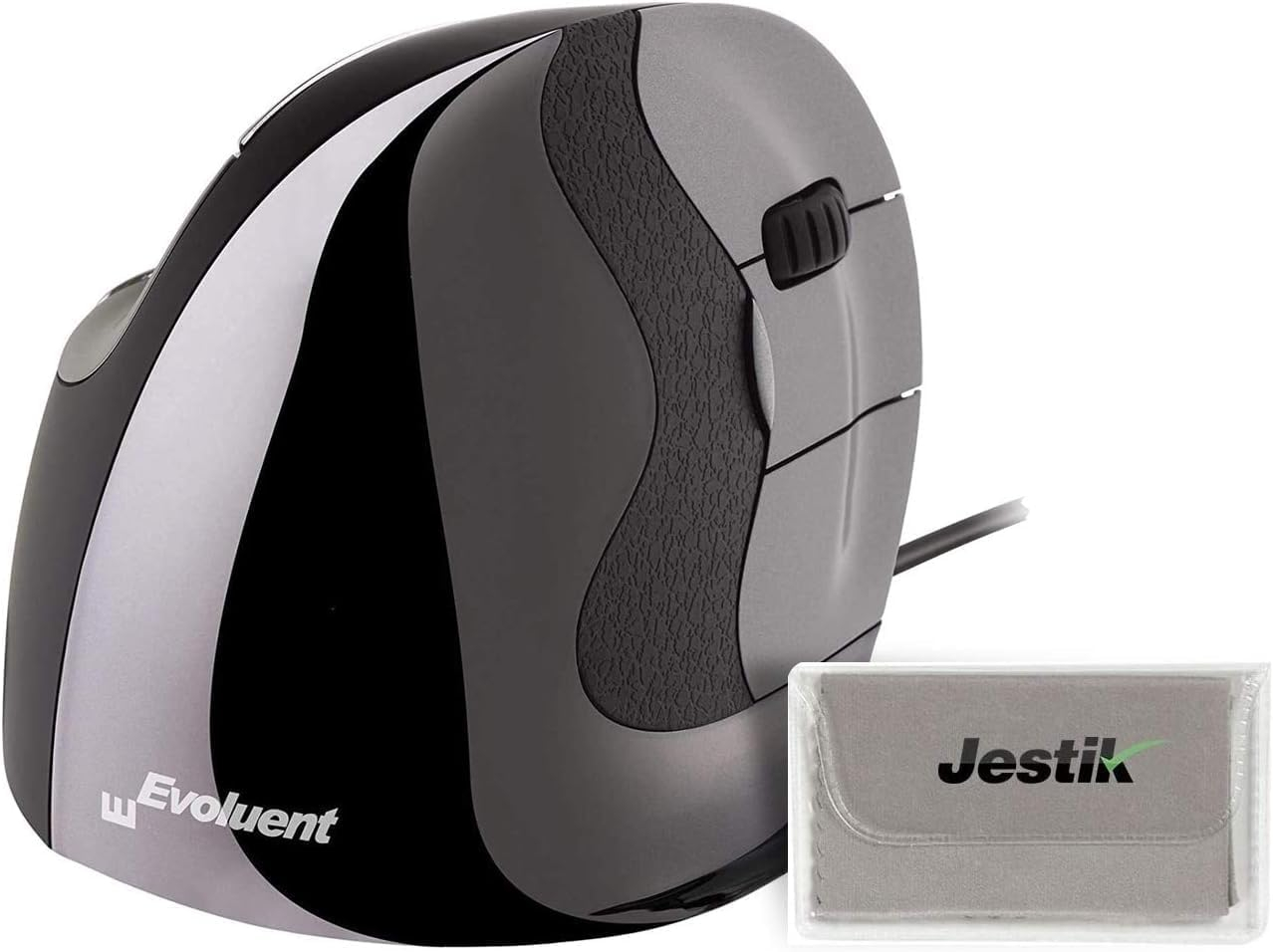
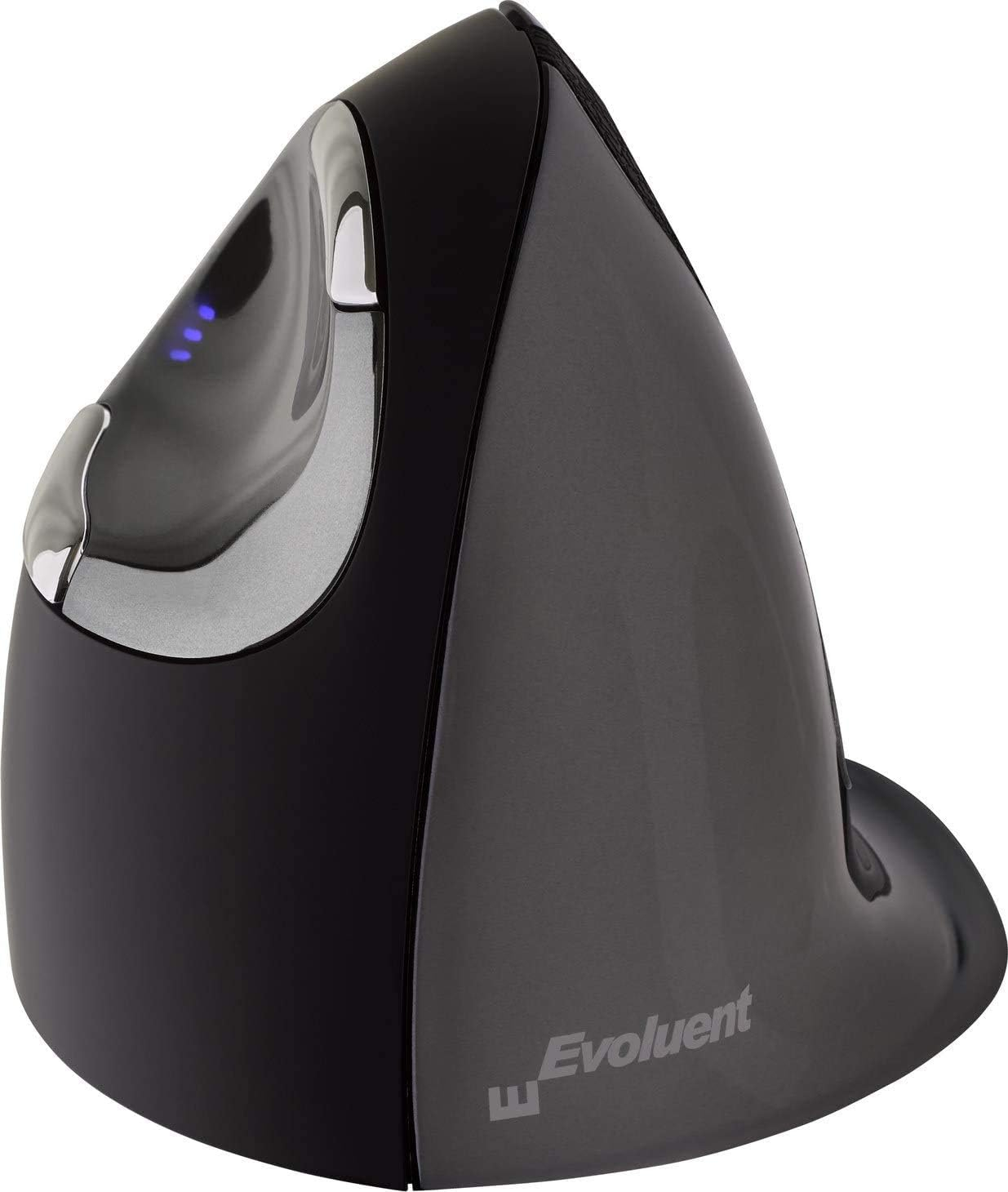
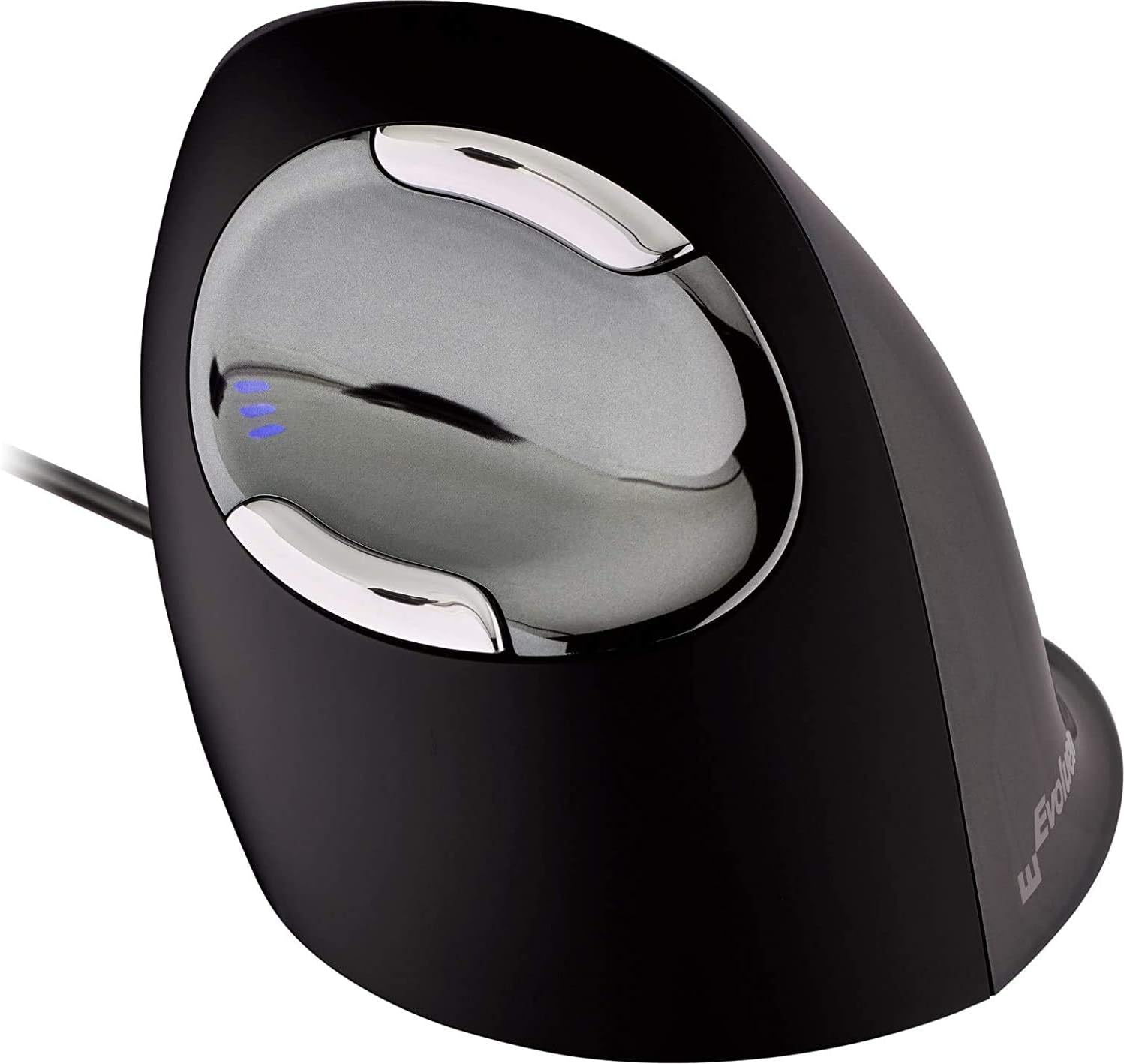
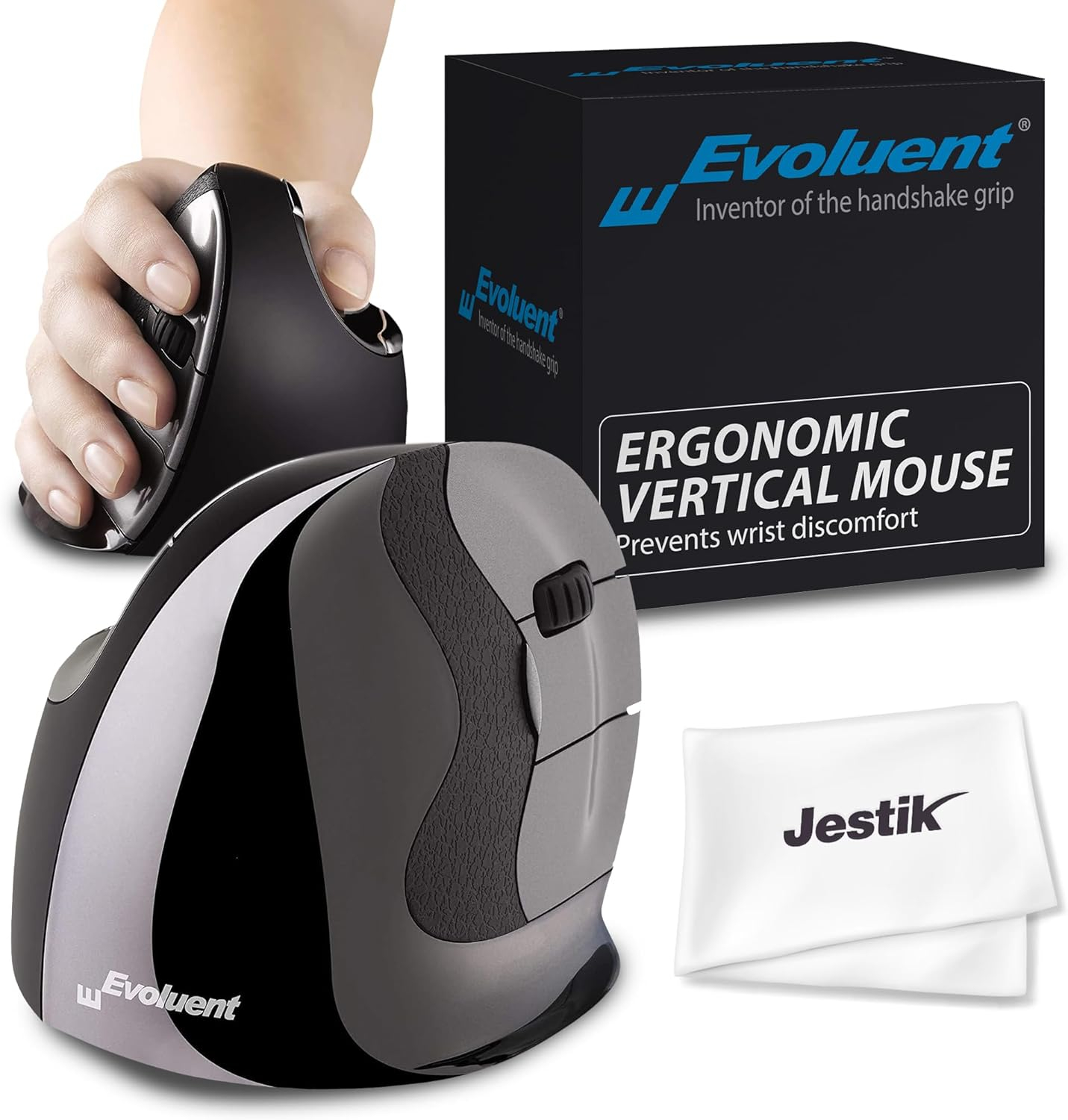
Evoluent vertical mouse D middle right, 6 buttons, wired
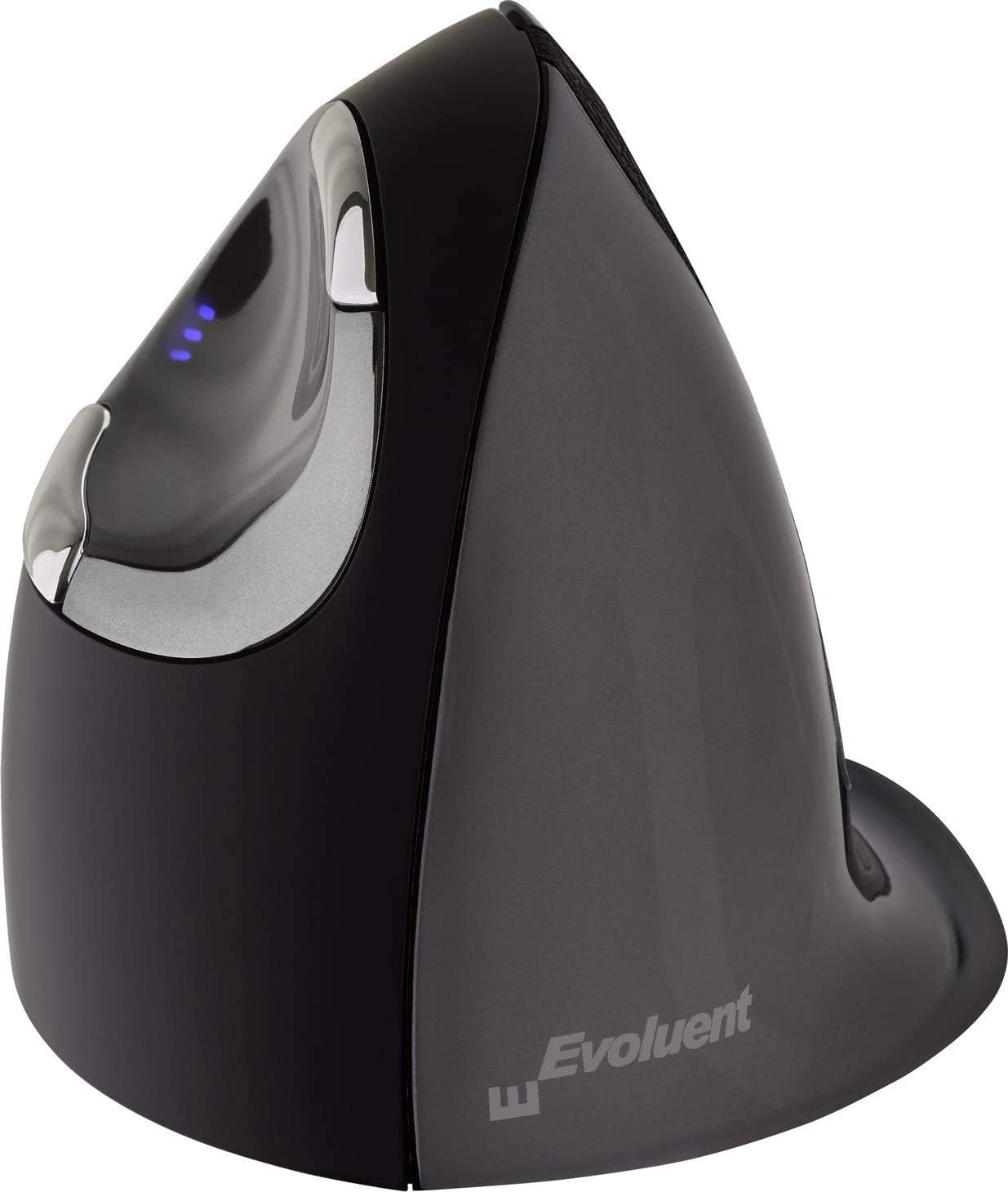
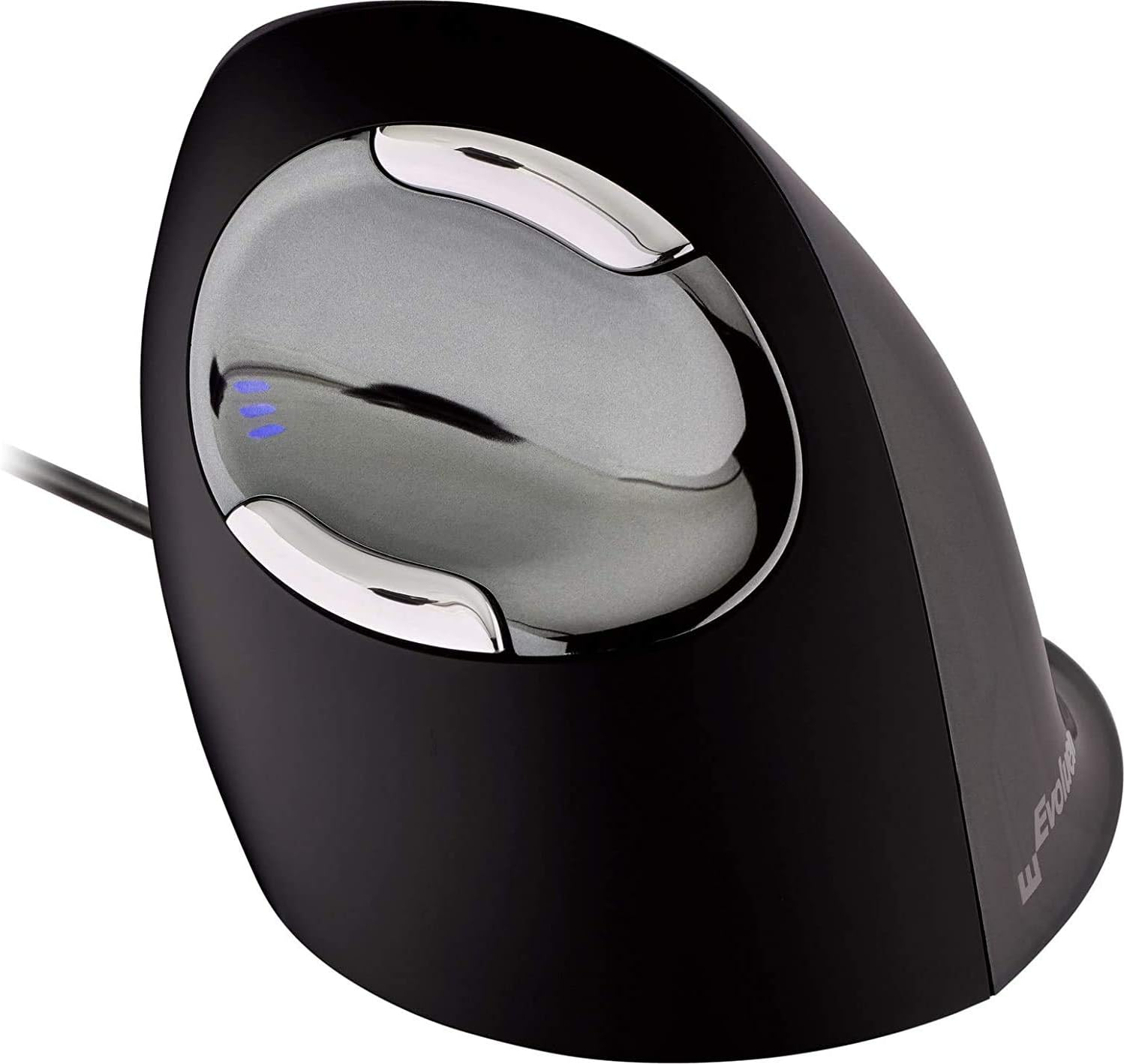
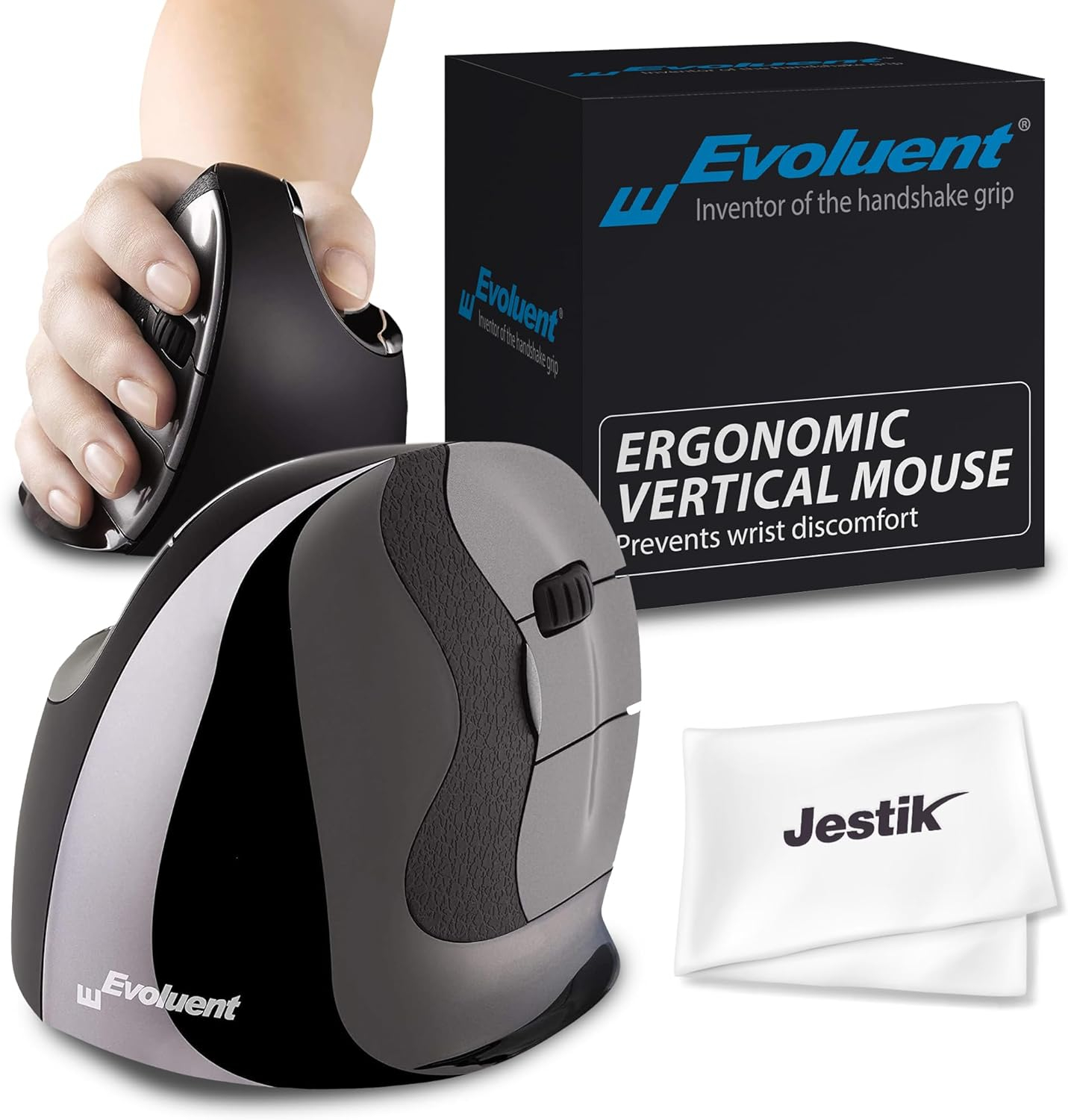
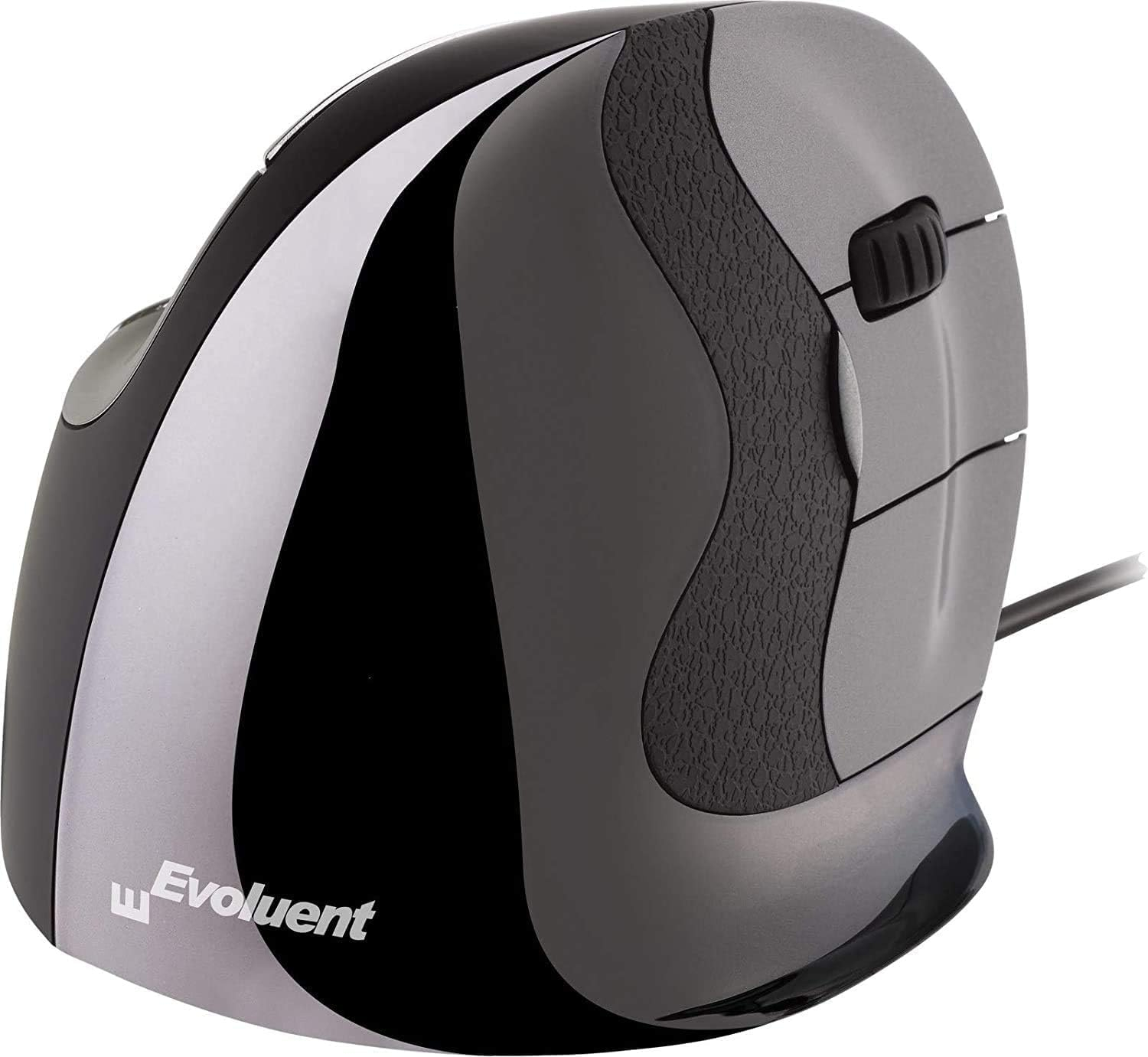
Evoluent vertical mouse D middle right, 6 buttons, wired
131,00 €
-3% dodatnog popusta
= 127,07€ uz plaćanje odjednom (osim Diners i PayPal)
= 127,07€ uz plaćanje odjednom (osim Diners i PayPal)
 Dobavljivo
 Ronis Čakovec - Galerija sjever
Ronis Zagreb - Velesajam
Ronis Varaždin - skladište
Ronis Čakovec - Galerija sjever
Ronis Zagreb - Velesajam
Ronis Varaždin - skladište
Očekivana isporuka do 18.06.2026.
Točniju potvrdu roka i dostupnost javit ćemo ubrzo po narudžbi.
Informacije o raspoloživosti i vremenu isporuke su indikativne, ažuriraju se u intervalima i podložne su promjenama, te ne čine obvezujuću ponudu. Potvrdu dostupnosti i cijene ćemo vam dostaviti nakon što primimo i obradimo vašu narudžbu. Ugovor o kupnji je sklopljen tek po izdavanju računa.
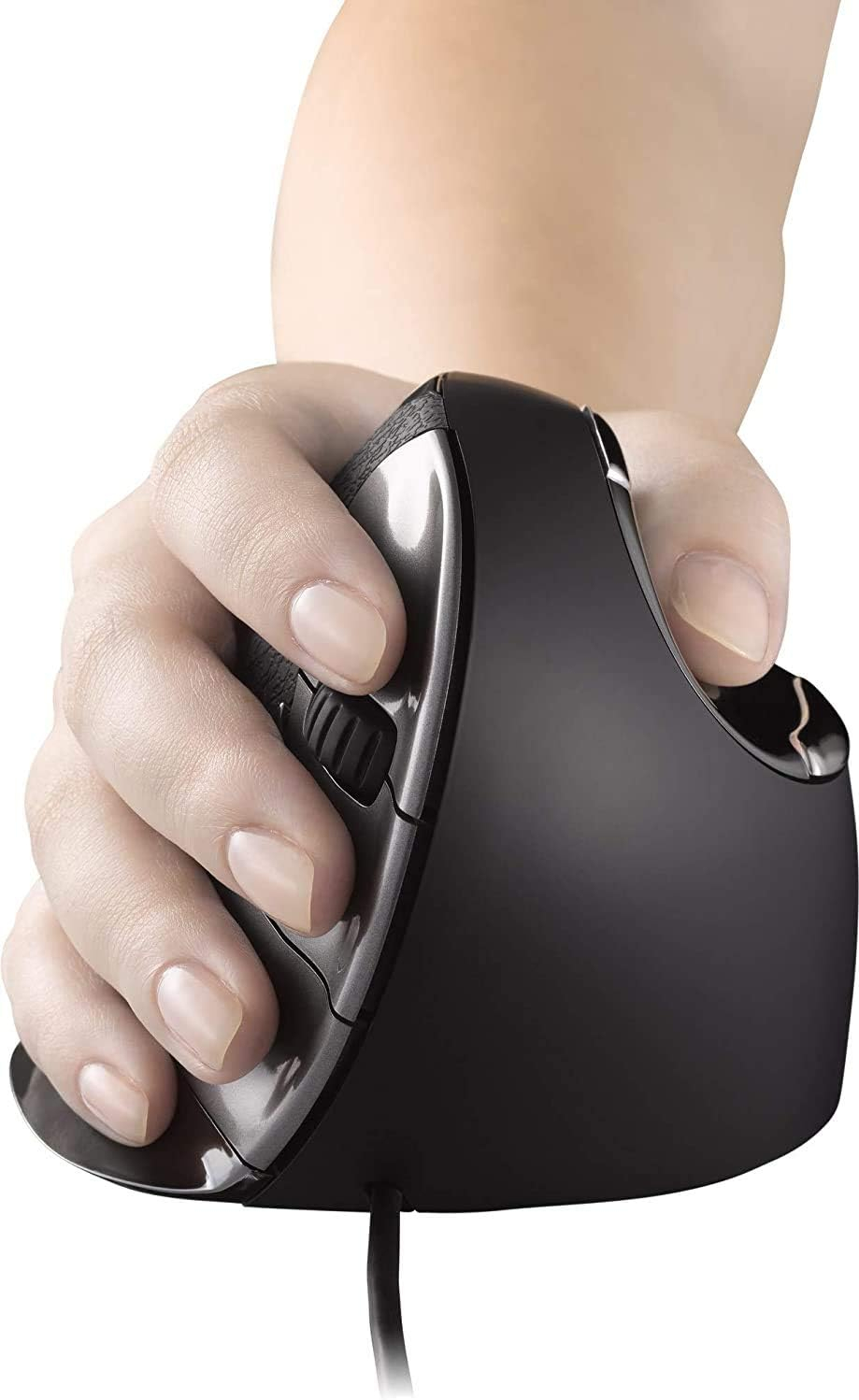
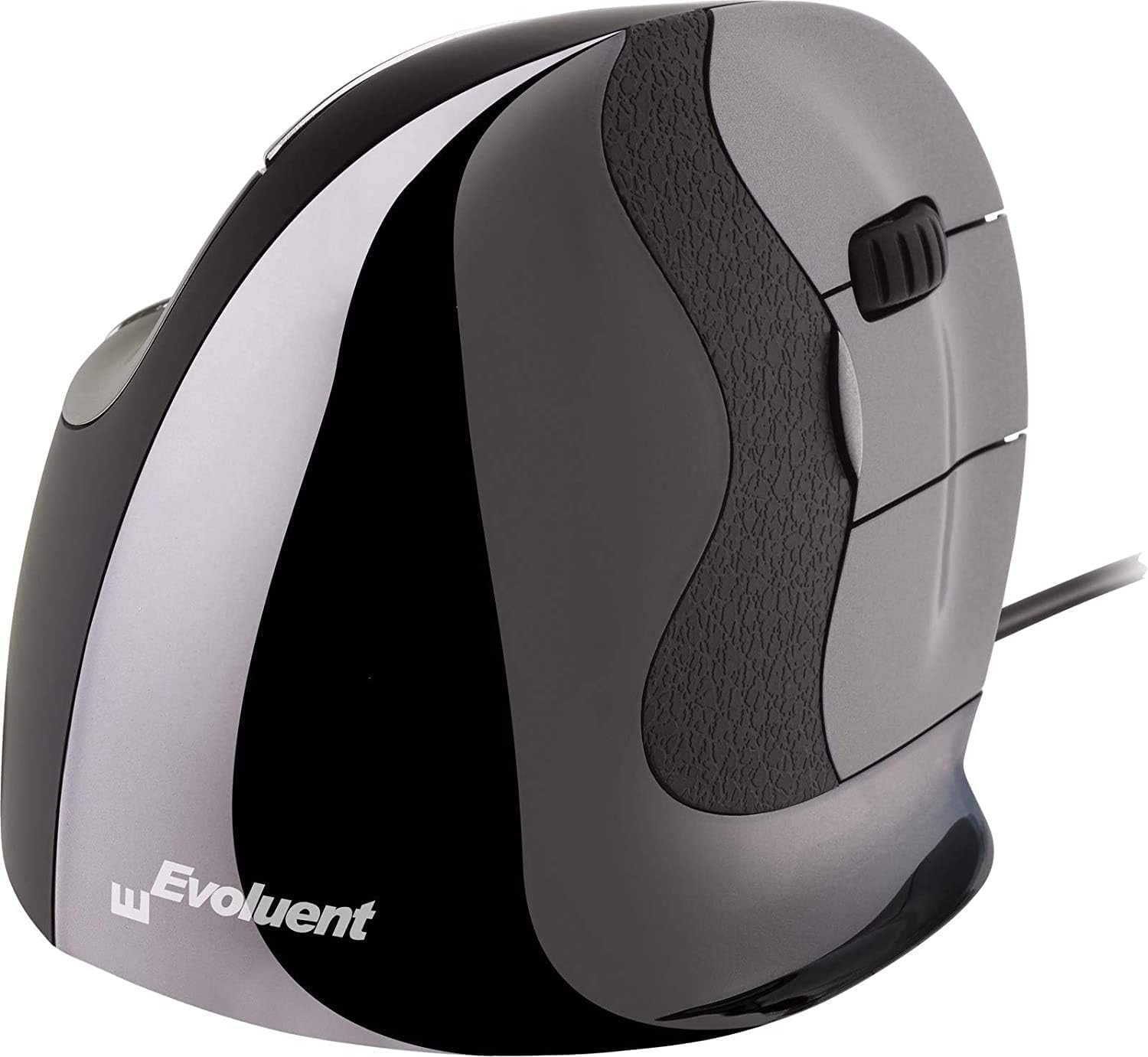
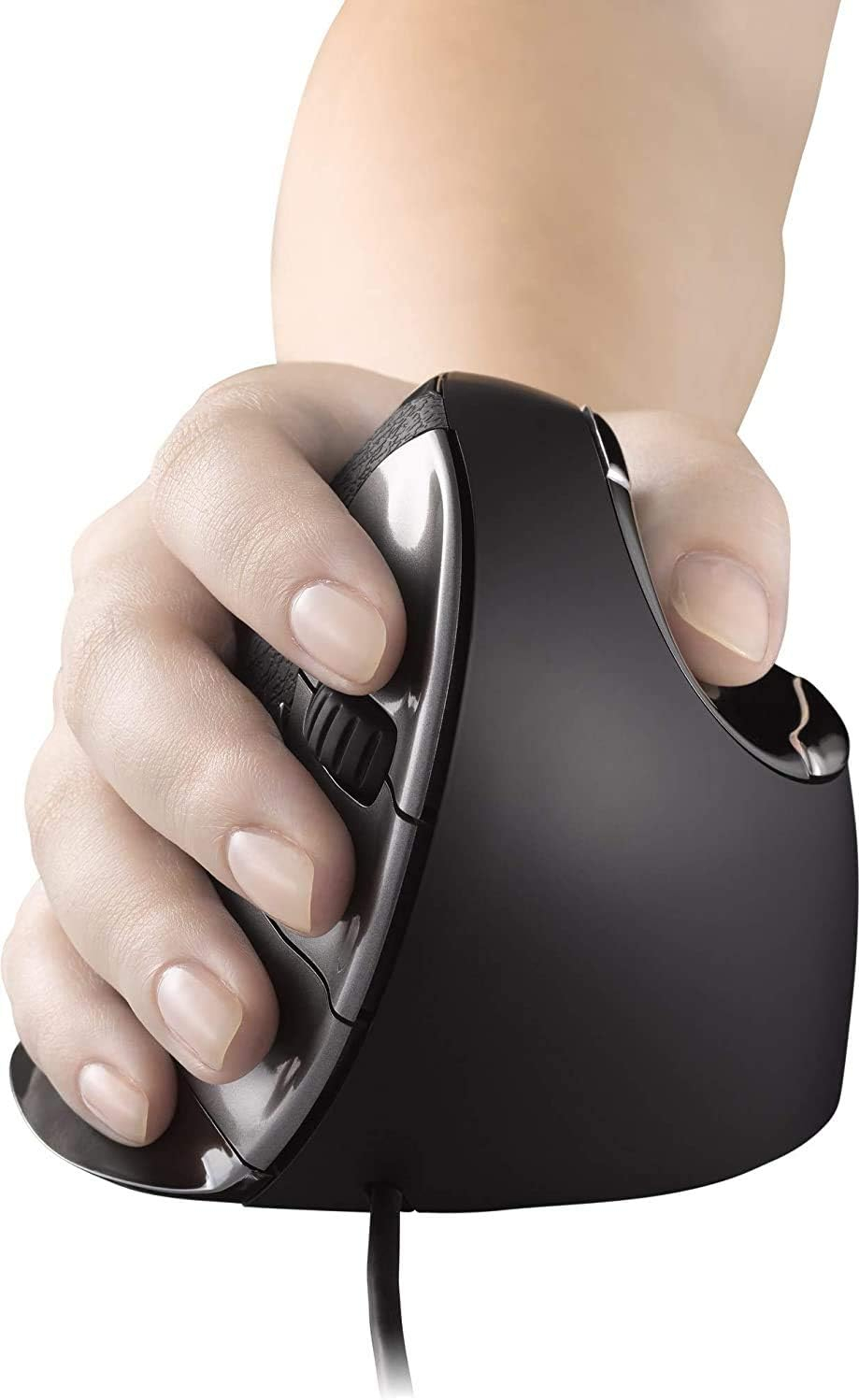
Prevents forearm twisting for comfortErgonomic design supports your hand in the handling position. Since 2002, users continue to report that the Evoluent VerticalMouse provides superior comfort and even relieves wrist pain.The extra-wide edge along the bottom edge prevents the back finger from rubbing on the table.Simple. reachable thumb buttonSmartly placed thumb buttons are within easy reach on the top and bottom of the contoured thumb rest.Adjustable pointer speedA button on the steering wheel allows you to quickly change the pointer speed , to suit different tasks: choose a higher speed (higher DPI) to make the cursor move faster for general use; select a lower speed (lower DPI) to make the cursor move slower and more accurately for drawing, photo editing, etc.Cursor Speed IndicatorsUp to four lights show cursor speed from slow to high: slow speed or low DPI for precision work such as photo editing or drawing; high speed or high DPI for fast screen movement for general tasks.Laser sensorLaser sensor provides reliable tracking on most surfaces.Copy/Paste and< br />Much more*Configure buttons to perform almost any function, such as copying or pasting, with fewer clicks and mouse movements.Excel horizontal scrolling*Scroll horizontally in Microsoft® Excel® by pressing your thumb and turning the wheel.Smart Gliding*Dramatically changes notch sensitivity based on how fast you turn the wheel, from slow and precise all the way to hyper-speed for browsing long pages.Eye comfort control*Quickly reduce screen brightness to reduce eye strain by simply rolling the mouse wheel. Easily change the screen brightness when the ambient light level changes.
Šifra: 100738RN
EAN: 852153000266
Više o proizvodu
Jamstvo
24 mjeseci
Prevents forearm twisting for comfort
Ergonomic design supports your hand in the handling position. Since 2002, users continue to report that the Evoluent VerticalMouse provides superior comfort and even relieves wrist pain.
The extra-wide edge along the bottom edge prevents the back finger from rubbing on the table.
Simple. reachable thumb button
Smartly placed thumb buttons are within easy reach on the top and bottom of the contoured thumb rest.
Adjustable pointer speed
A button on the steering wheel allows you to quickly change the pointer speed , to suit different tasks: choose a higher speed (higher DPI) to make the cursor move faster for general use; select a lower speed (lower DPI) to make the cursor move slower and more accurately for drawing, photo editing, etc.
Cursor Speed Indicators
Up to four lights show cursor speed from slow to high: slow speed or low DPI for precision work such as photo editing or drawing; high speed or high DPI for fast screen movement for general tasks.
Laser sensor
Laser sensor provides reliable tracking on most surfaces.
Copy/Paste and< br />Much more*
Configure buttons to perform almost any function, such as copying or pasting, with fewer clicks and mouse movements.
Excel horizontal scrolling*
Scroll horizontally in Microsoft® Excel® by pressing your thumb and turning the wheel.
Smart Gliding*
Dramatically changes notch sensitivity based on how fast you turn the wheel, from slow and precise all the way to hyper-speed for browsing long pages.
Eye comfort control*
Quickly reduce screen brightness to reduce eye strain by simply rolling the mouse wheel. Easily change the screen brightness when the ambient light level changes.
Pogledajte slične artikle
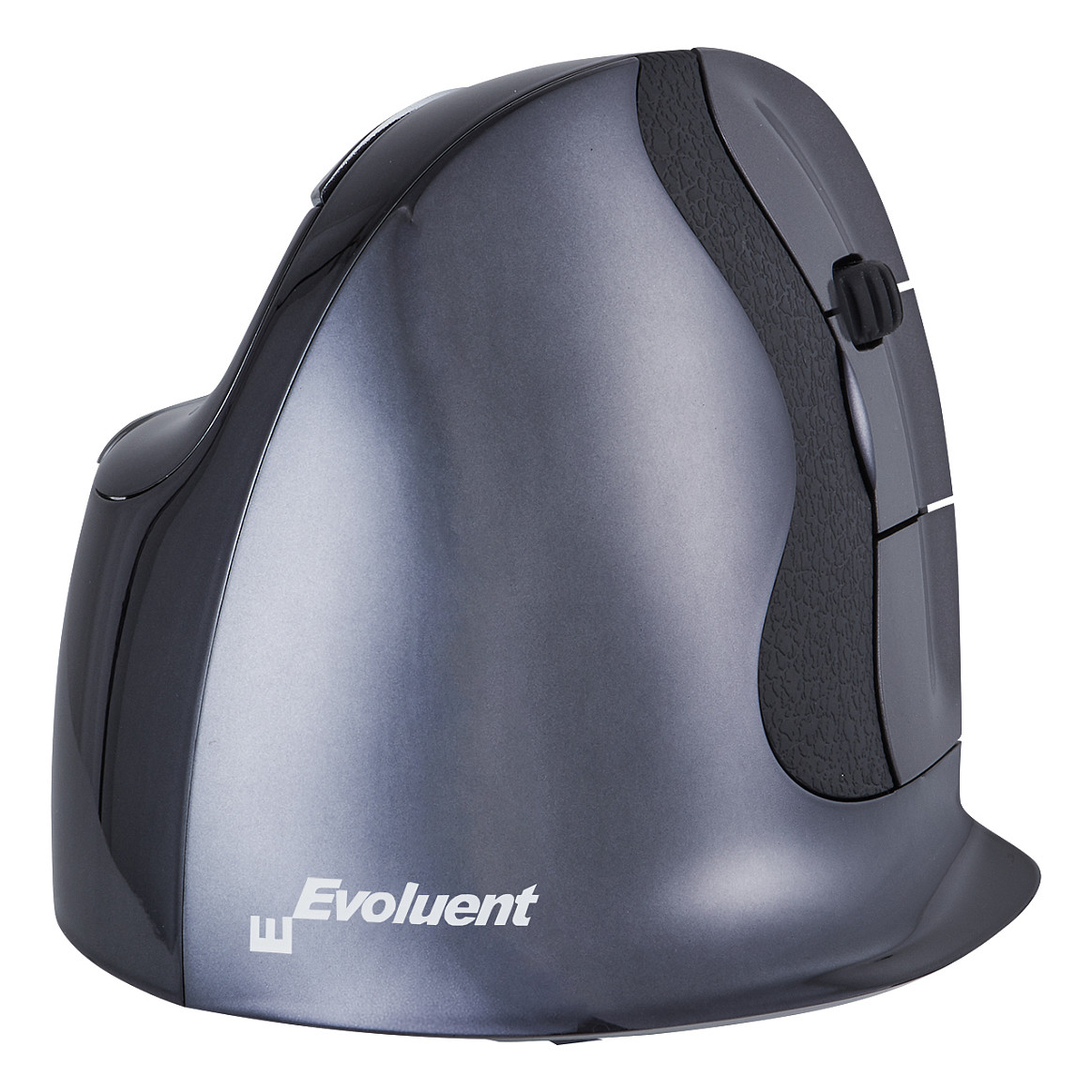
Miš EVOLUENT Evoluent BakkerElkhuizen D (vertikalni, 6 tipki, mali, bežični)
Dobavljivo
EVOLUENT model D (vertikalni, bežični). Ovaj miš pruža udobnost i podršku za ruku, smanjujući napetost tijekom dugotrajnog korištenja.
177,00 €
Očekivana isporuka do 18.06.2026.
Informacije o raspoloživosti i vremenu isporuke su indikativne, ažuriraju se u intervalima i podložne su promjenama, te ne čine obvezujuću ponudu. Potvrdu dostupnosti i cijene ćemo vam dostaviti nakon što primimo i obradimo vašu narudžbu. Ugovor o kupnji je sklopljen tek po izdavanju računa.
-3% dodatnog popusta
= 171,69€ uz plaćanje odjednom (osim Diners i PayPal)
= 171,69€ uz plaćanje odjednom (osim Diners i PayPal)